Cancel / Reschedule Appointment
You can cancel or reschedule your appointment from the Appointment Details page.
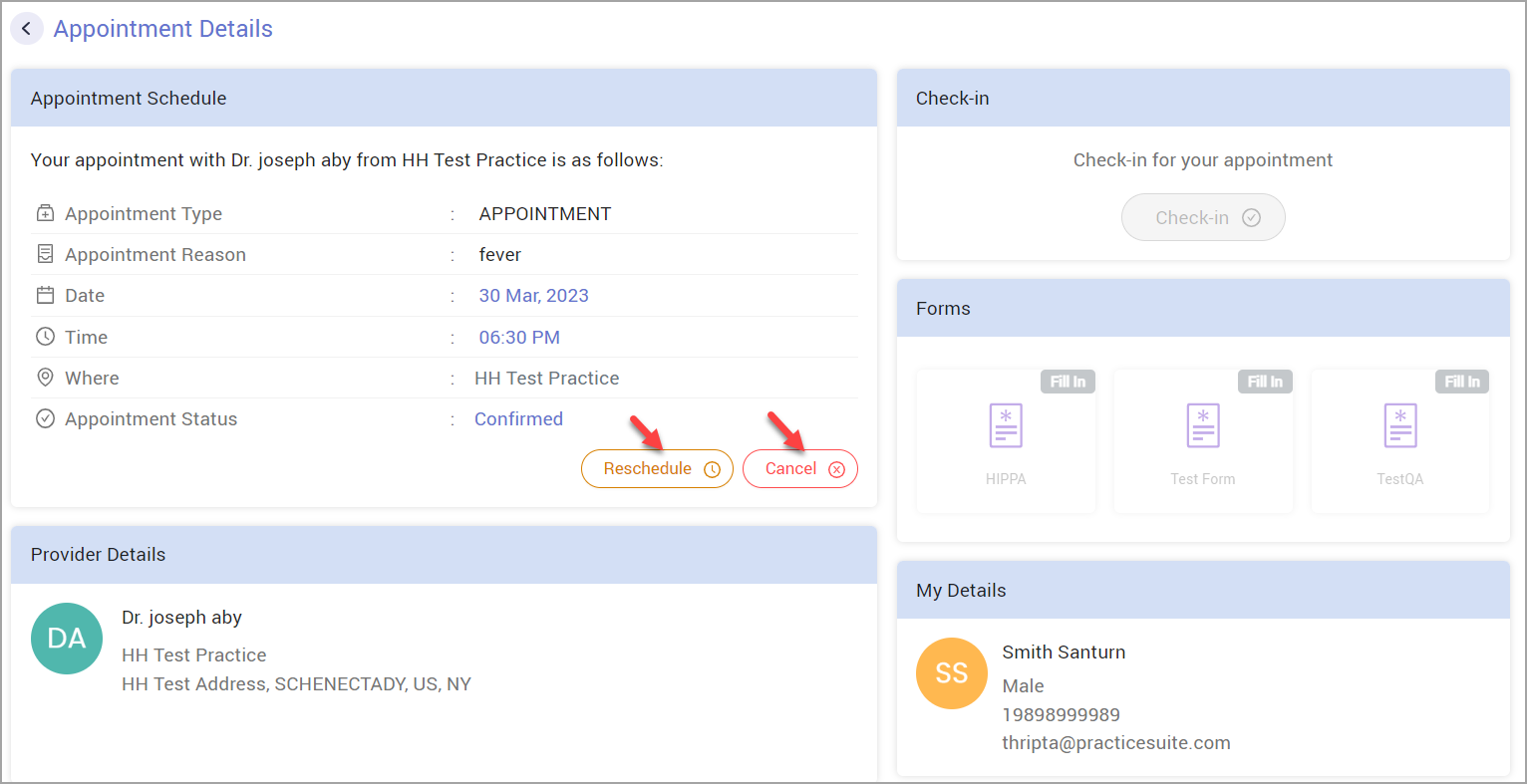
Cancel Appointment
Click on Cancel. A pop-up appears asking you to confirm the cancellation.
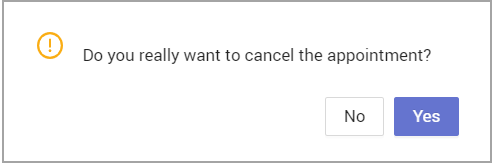
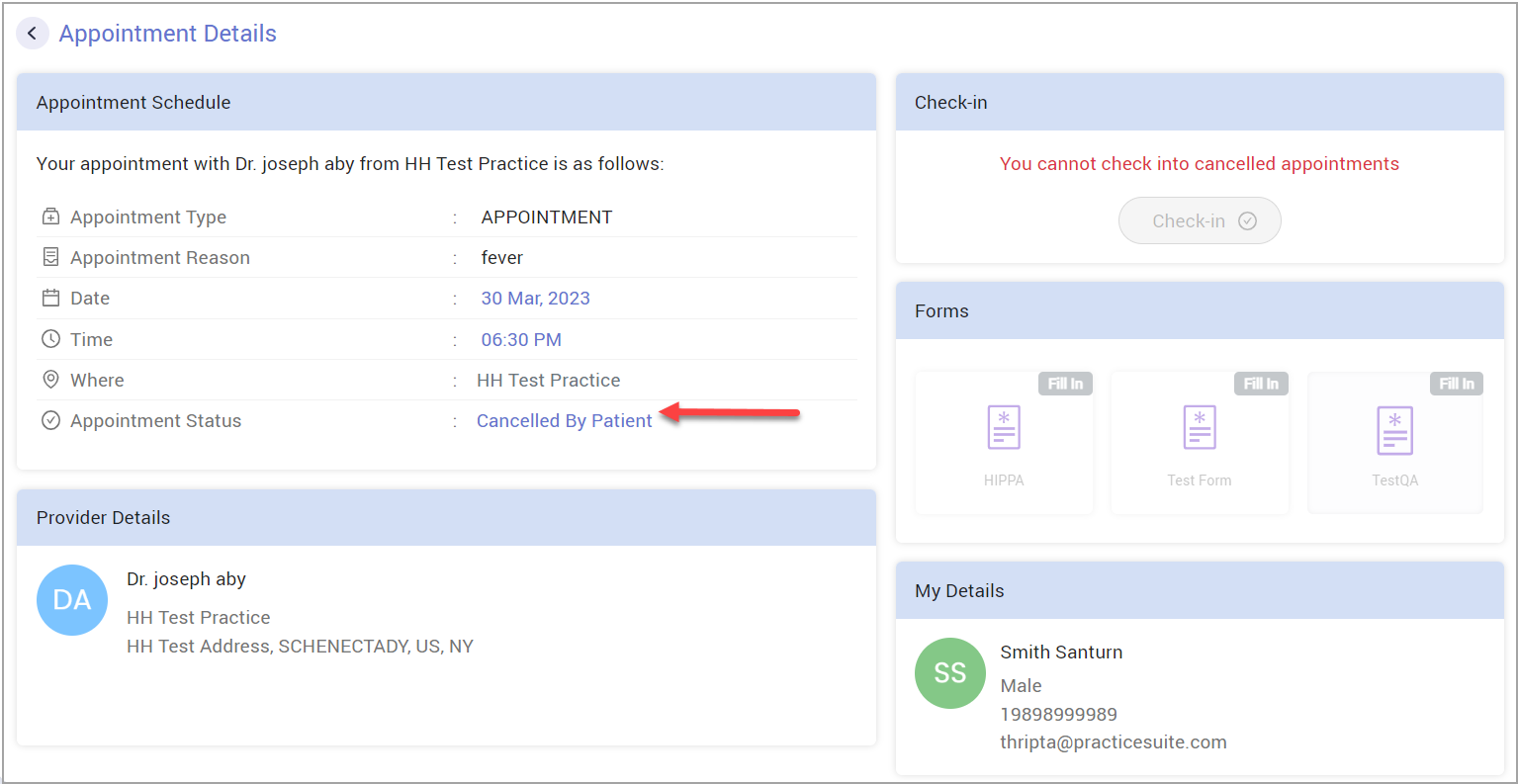
Click on Yes, and the appointment will be canceled.
Reschedule Appointment
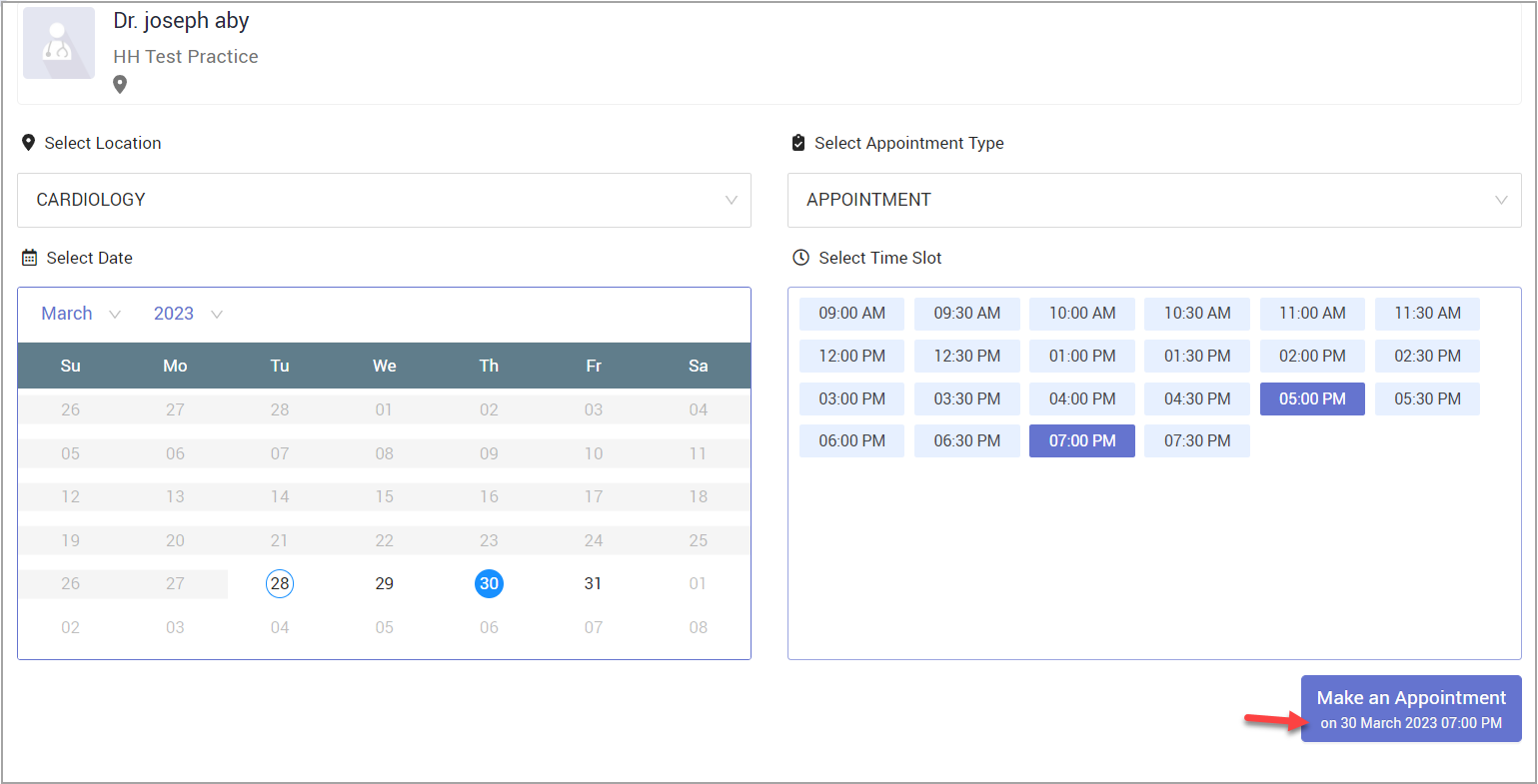
Click on Reschedule. A New Appointment page will appear, where you can provide the location, appointment type, and rescheduled date and time. Follow the same steps as when booking a new appointment.