Appointments (Facility)
Facilities can see their patients’ upcoming appointments (confirmed, checked in, checked out). These are the major statuses visible in the Appointment section.
In the Appointment section, the providers can see their patients’ names, appointment dates, providers, appointment reason/ status, and appointment type.
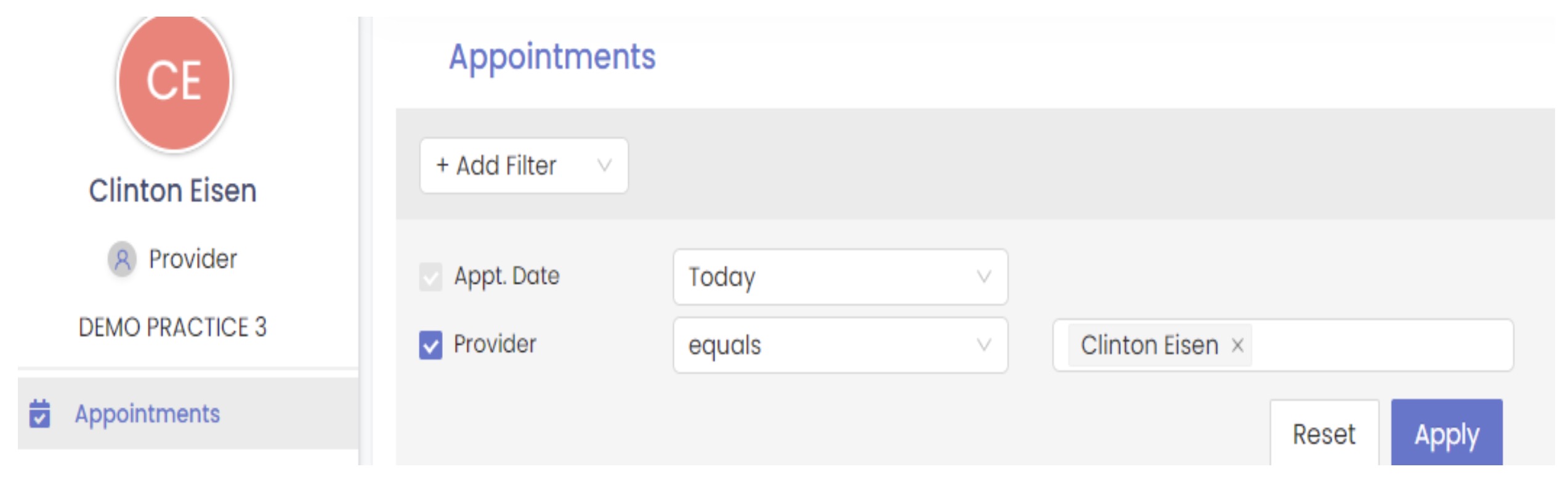
In the Add Filter section (in the Appointment section), Providers can search for their patients by appointment status, type, group, and by the patient’s first and last name, email address, and phone number.
The provider can search the patient’s appointment details by the date and provider name, then click “apply” to locate the patient’s appointment type details.