
Reminders
HelloHealth’s Reminders feature helps healthcare providers automate patient notifications regarding upcoming appointments and ongoing treatment plans.
Reminders are sent via a no-reply email address, ensuring one-way communication from the clinic.
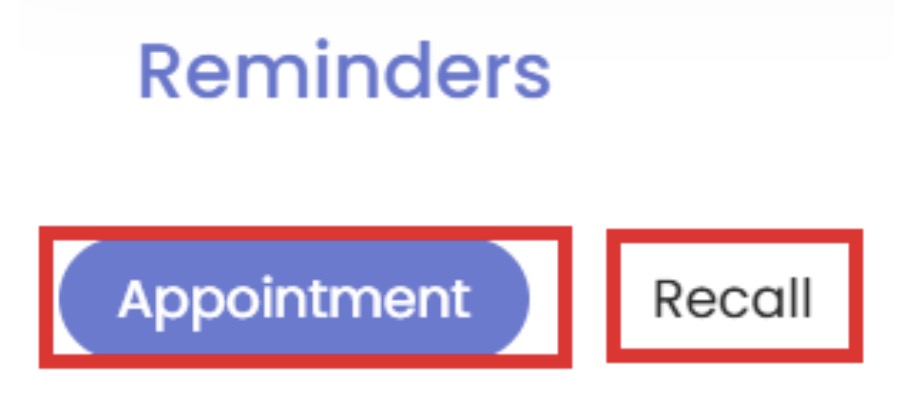
The Reminders tab consists of two key components:
- Appointment Reminders – Notifications for forthcoming patient visits.
- Recall Reminders – Follow-up alerts for ongoing treatment plans.
Appointment Reminders
Creating an Appointment Reminder
To set up an appointment reminder:
- Navigate to the Reminders tab.
- Click “New Reminder” to create a new notification.
Reminder Scheduling Options
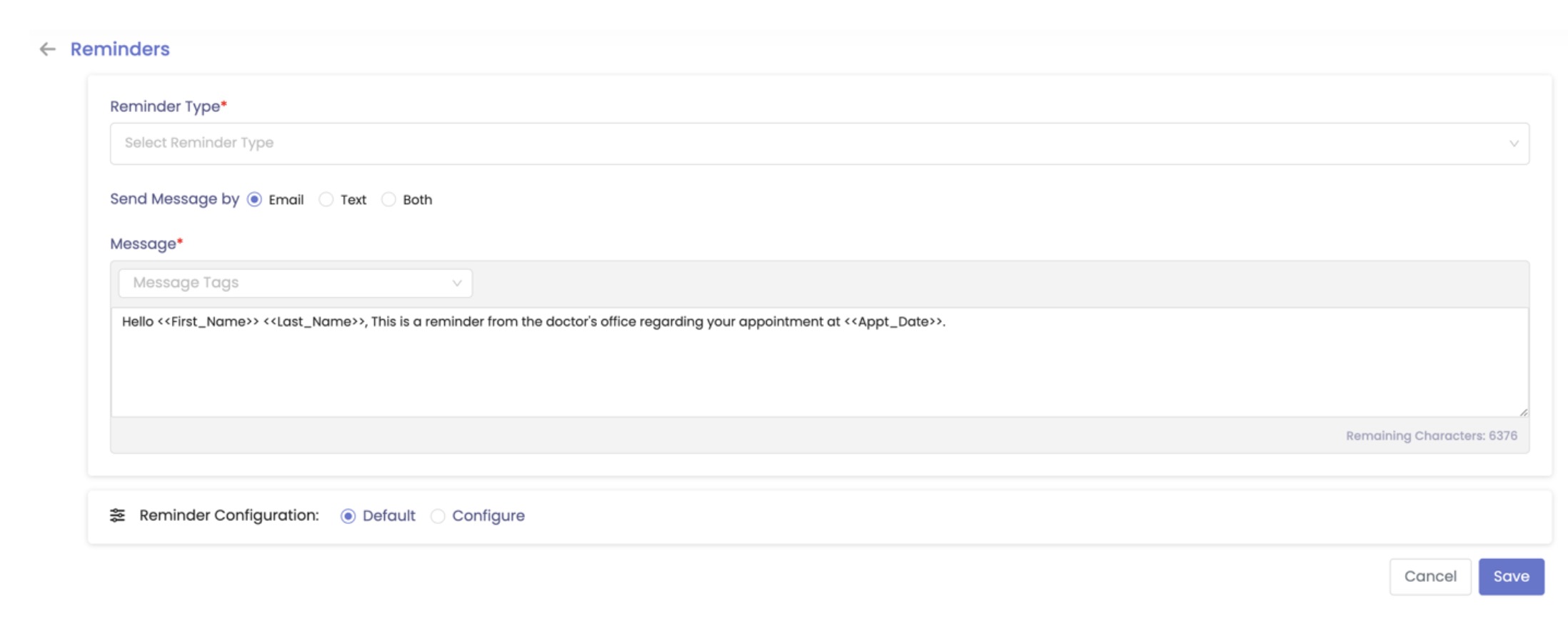
Providers can select from five different reminder types:
- Confirm an Appointment– Patients receive a reminder instantly when their appointment is confirmed.
- Reschedule Appointment– Patients receive a reminder instantly when their appointment is rescheduled.
- Day-Based Reminders – Set a reminder up to 7 days before the appointment.
- Hour-Based Reminders – Schedule a notification up to 23 hours before the appointment.
- Missed Appointment. – Patients receive a reminder after a missed appointment
- Cancelled Appointment.- Patients receive a reminder after a cancelled appointment
Delivery Methods
- Reminders can be sent via email, text, or both.
Customizing Reminder Messages
Message templates can include tags that auto-fill patient details, eliminating manual data entry. Available message tags:
- Patient Name (First, Middle, Last)
- Practice Name & Phone Number
- Doctor’s Name (First & Last)
- Appointment Date & Time
Message Box Requirement:
- A message box is a mandatory field (limit: 6,500 characters).
- Once saved, reminders will be automatically sent based on the selected criteria.
Recall Reminders
What Are Recall Reminders?
Recalls are designed for ongoing treatment plans related to a patient’s diagnosis. These alerts help providers remind patients about necessary follow-up care.
Creating a Recall Reminder
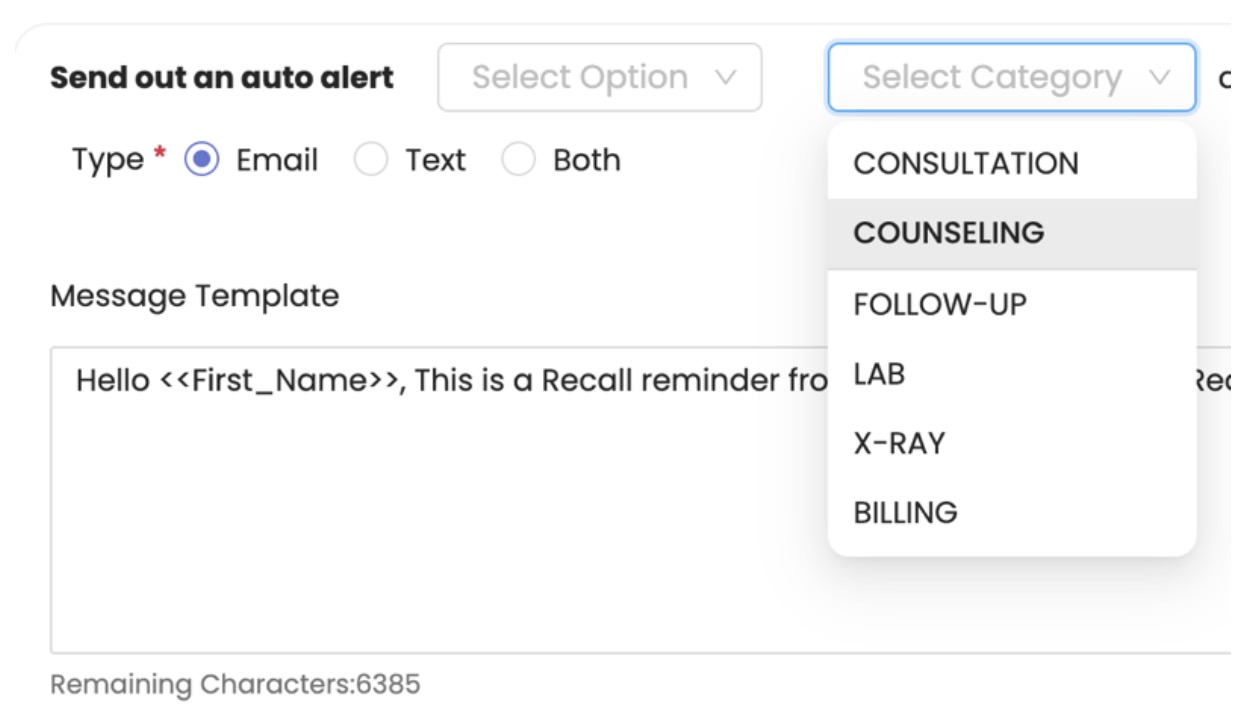
Navigate to the Reminders tab. Select Recall and click Add New, choose from four scheduling options:
- Immediate – Sends an alert instantly.
- Days – Schedule reminders up to 7 days before the due date.
- Weeks – Set reminders up to 5 weeks in advance.
- Months – Schedule follow-ups up to 12 months ahead.
Recalls can be categorized to ensure patients receive alerts for specific situations.
Customization and Automation
Like appointment reminders, recall notifications support message tags to auto-fill patient details:
- Patient Name (First, Middle, Last)
- Practice Name
- Doctor’s Name (First & Last)
- Due Date & Recall Subject
Message Box Requirement:
The message box (limit: 6,500 characters) must be completed before saving.
Once saved, recalls will be sent automatically via email, text, or both, based on the selected category and communication mode.
Managing Recall Reminders
- Providers can turn a recall alert on or off at any time.
- Options to edit, review, or delete existing recalls are available within the portal.
