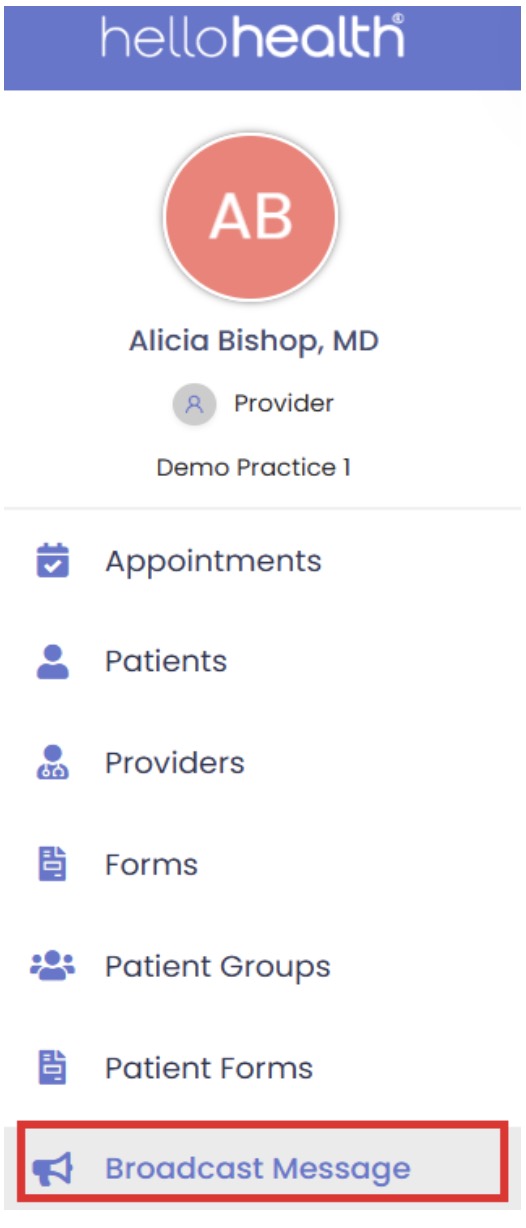
Broadcast Message
Broadcast messages are among the most significant features of HelloHealth’s Facility side, as receivers do not have to be on HelloHealth to receive them.
Communications sent via broadcast messages are received on cellphones, email, or both. Broadcast messages are helpful when it comes to informing patients about facilities/clinics being closed on a specific date, emergency announcements, etc.
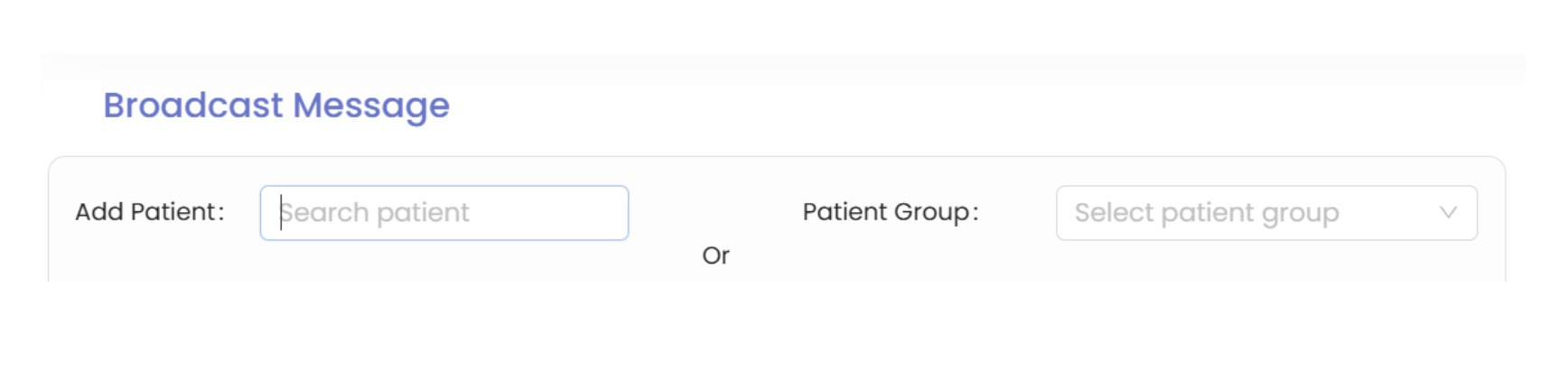
- Broadcast messages can be sent to patients individually or in groups. When a message is broadcast to a patient group, each patient assigned to that group receives an Individual message.
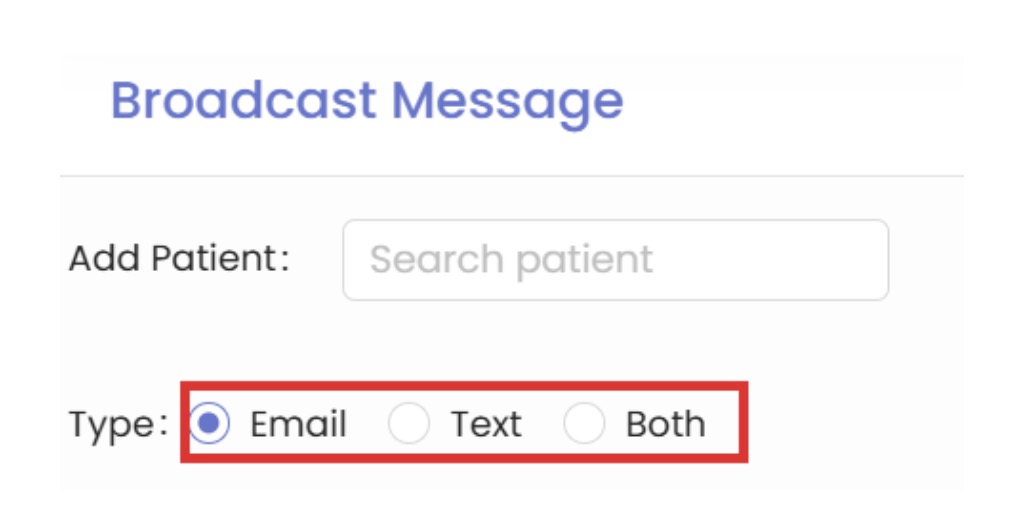
- Broadcast messages can be sent via email, text, or both. You can choose either email or text for delivery or select both to send messages through both channels simultaneously.
- You can also use saved templates instead of typing the entire broadcast message. The saved template will automatically appear in the broadcast message box. However, depending on the situation, selecting the template is not mandatory.
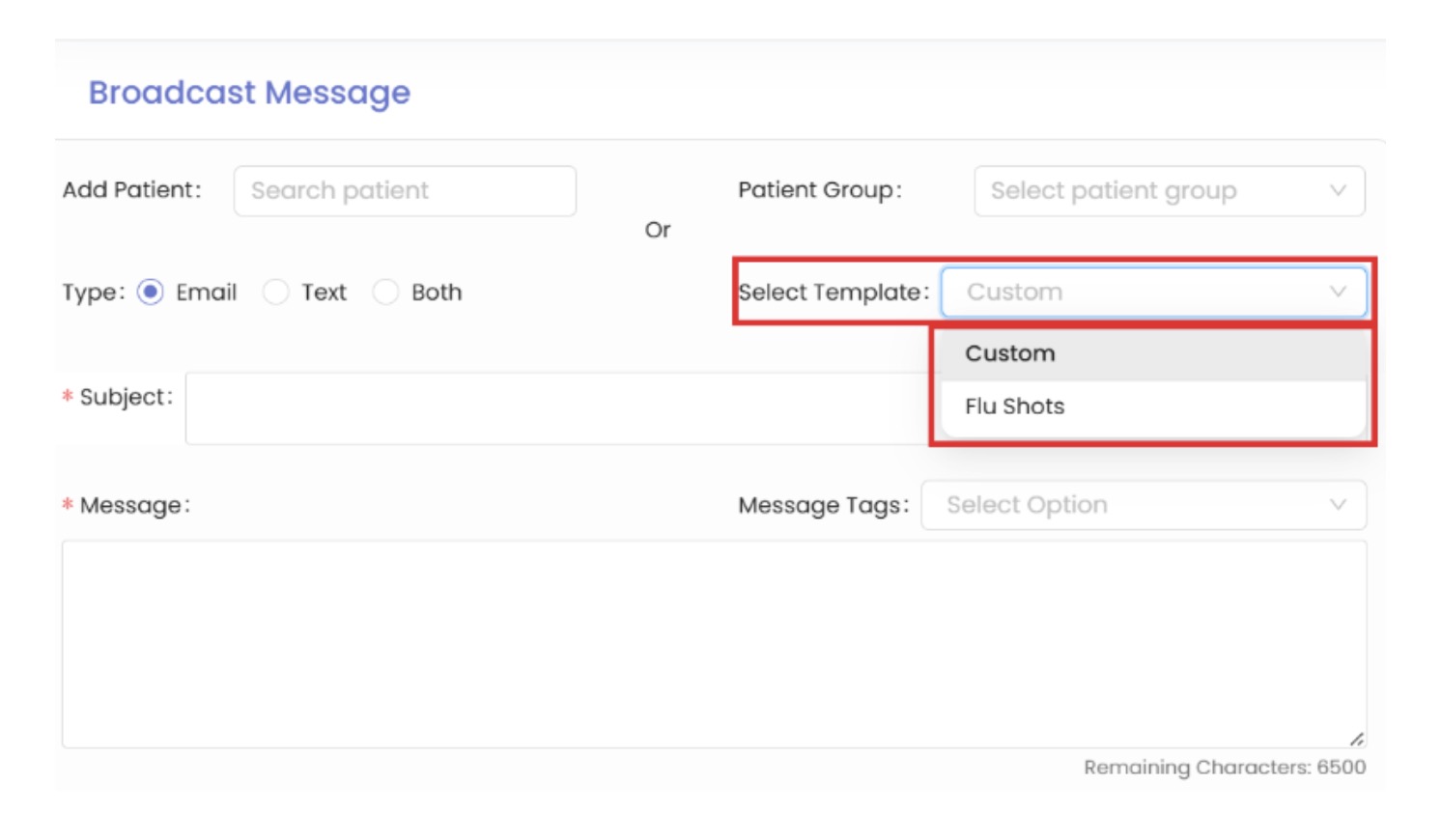
- Filling in the subject and message boxes before sending broadcast messages is mandatory. The message box has a limit of 6500 characters for a single broadcast message.
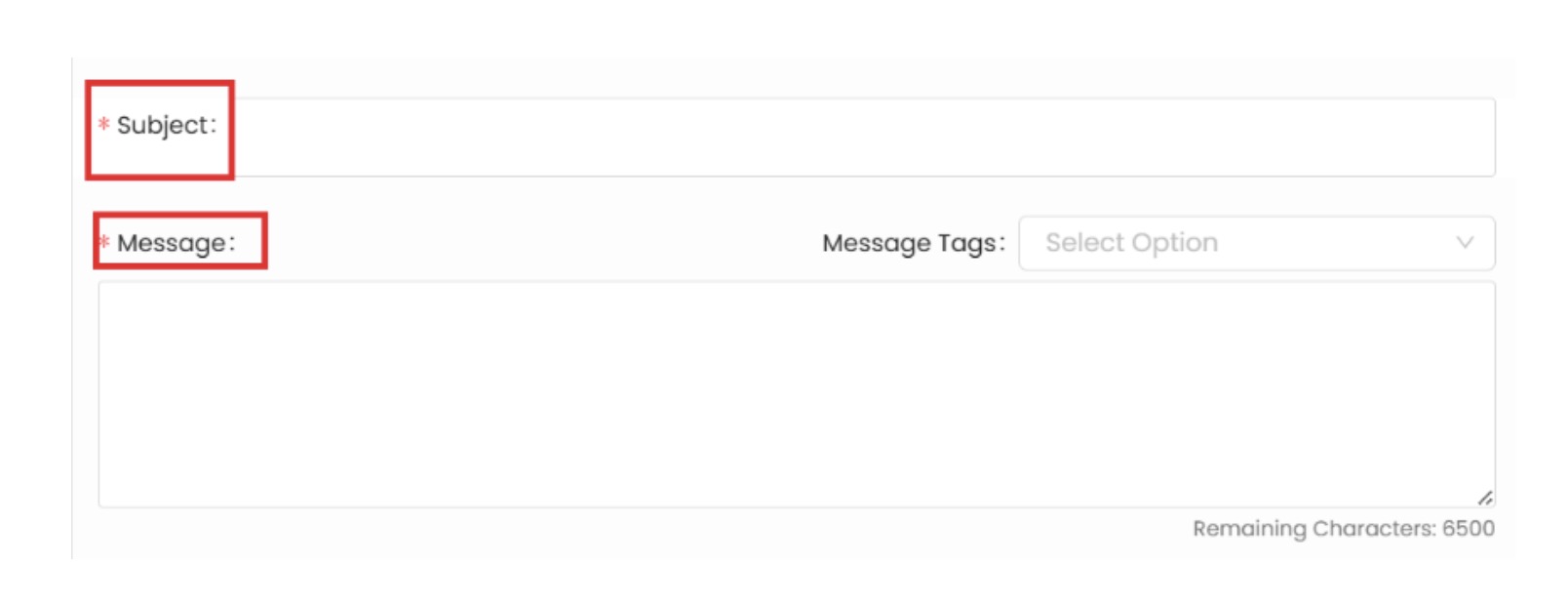
- Message tags are another additional option for the line of message on the right side of the page. Message tag consists of the patient’s first name, last name, middle name, and practice name, meaning that the tags that will be added and selected will automatically populate the details, and the patient will receive it along with the tag you have chosen.
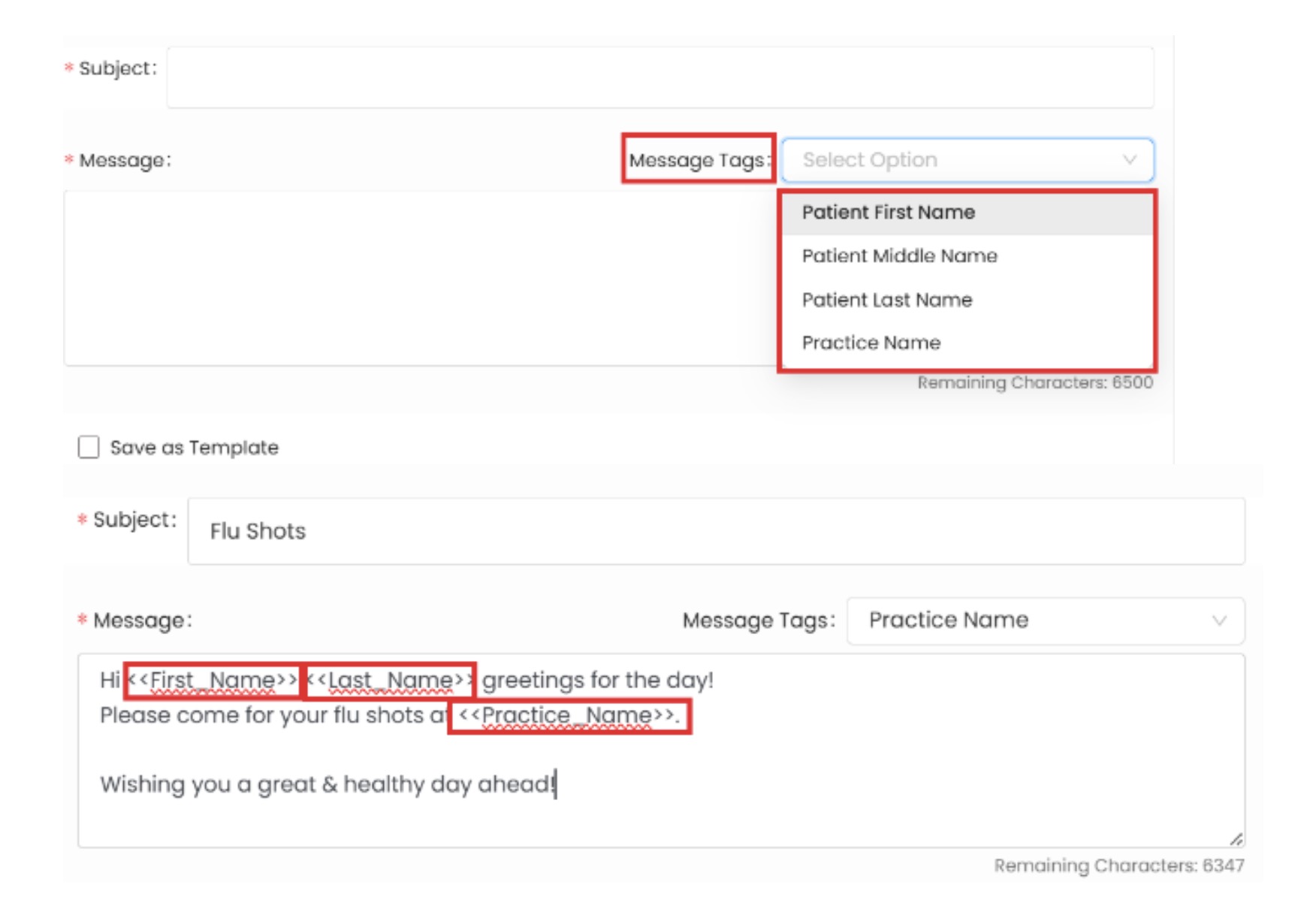
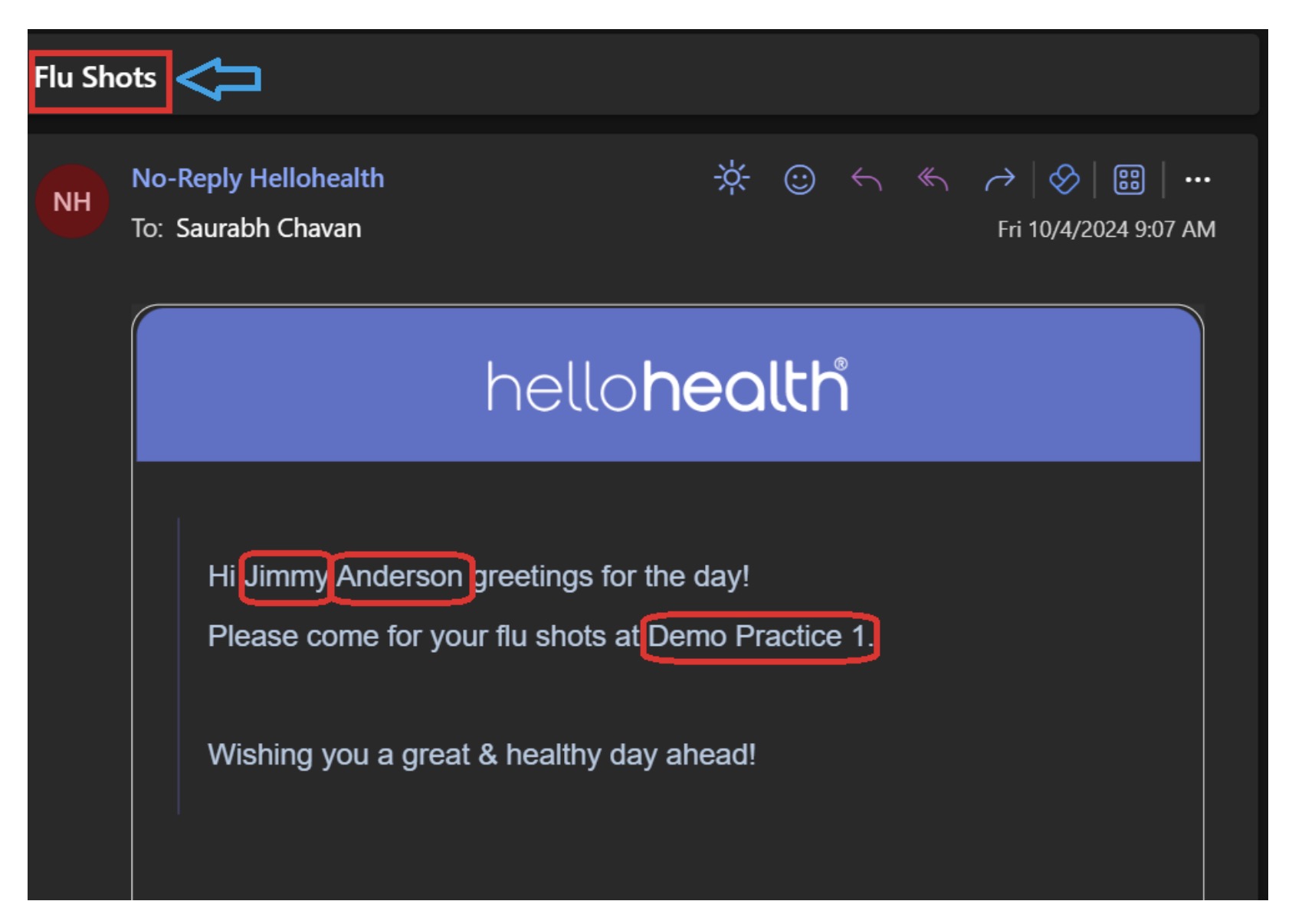
Please refer to the image below to see how it is received by patients when selected with patient tags. The first highlighted red rectangle is the subject we filled in for broadcasting messages, and the remaining parts are the message tags we selected while sending out the broadcast message.
Each person will receive it automatically with their name, saving time for manually typing the patient names.
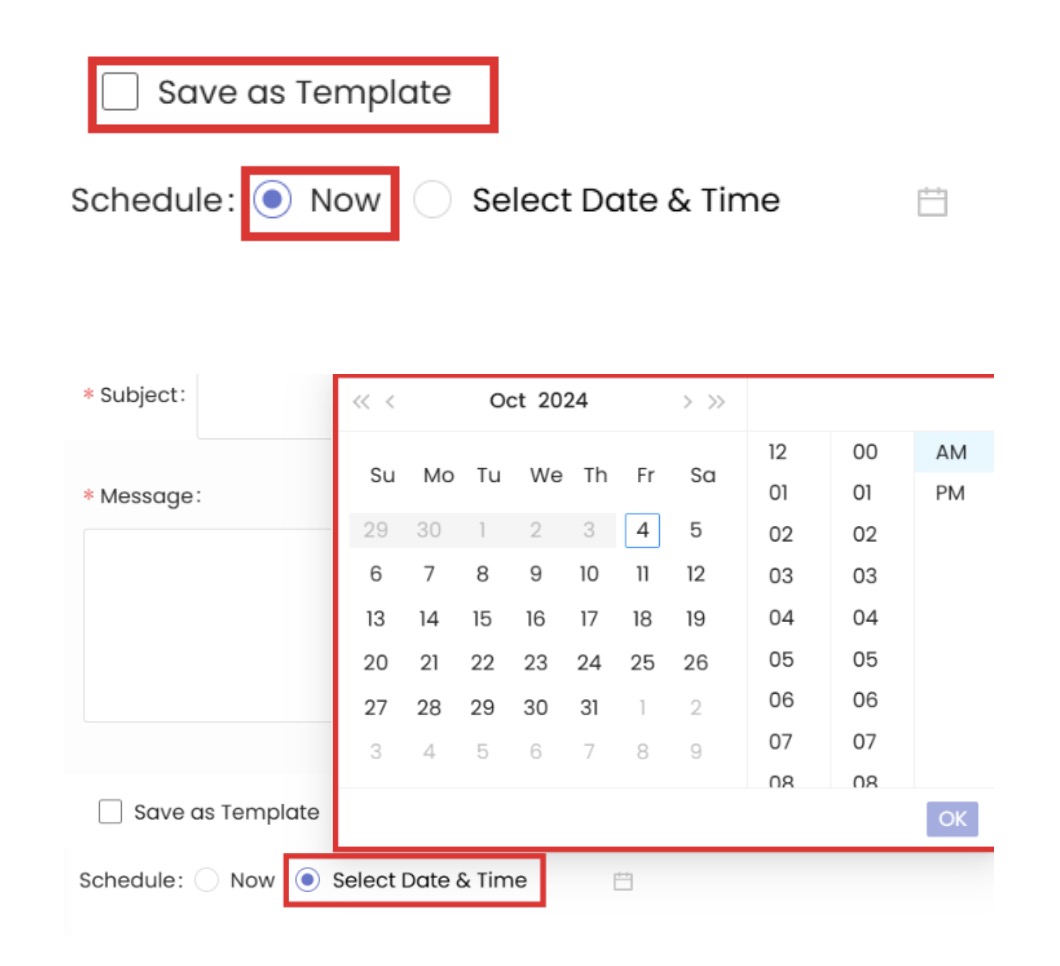
- The last part of the broadcast message is that you can save it as a template if you need it frequently. By now, you can select the schedule of the broadcast message, which means it will be sent directly to the patients immediately.
You can also select the date and time, and it will be sent automatically according to your selection.
- By clicking on the Broadcast message at the end of the page, a broadcast message is circulated among the designated audience.