Insurance
Where do I find my insurance details on HelloHealth?
You can find your insurance details under the Insurance tab on the ‘My Profile’ page.
How do I add my insurance details to HelloHealth?
Click on the ‘Add New Insurance’ button on the right side of the insurance tab.

Provide all necessary info, upload pictures of the insurance card front and back, and click on Save.

Provide all the necessary information, upload pictures of the insurance card front and back, and click on Save.
How to update insurance details
You can update your insurance details anytime once you have added your insurance info.
Go to ‘My Profile’. Under the Insurance tab, click on the edit icon for the insurance you want to update.
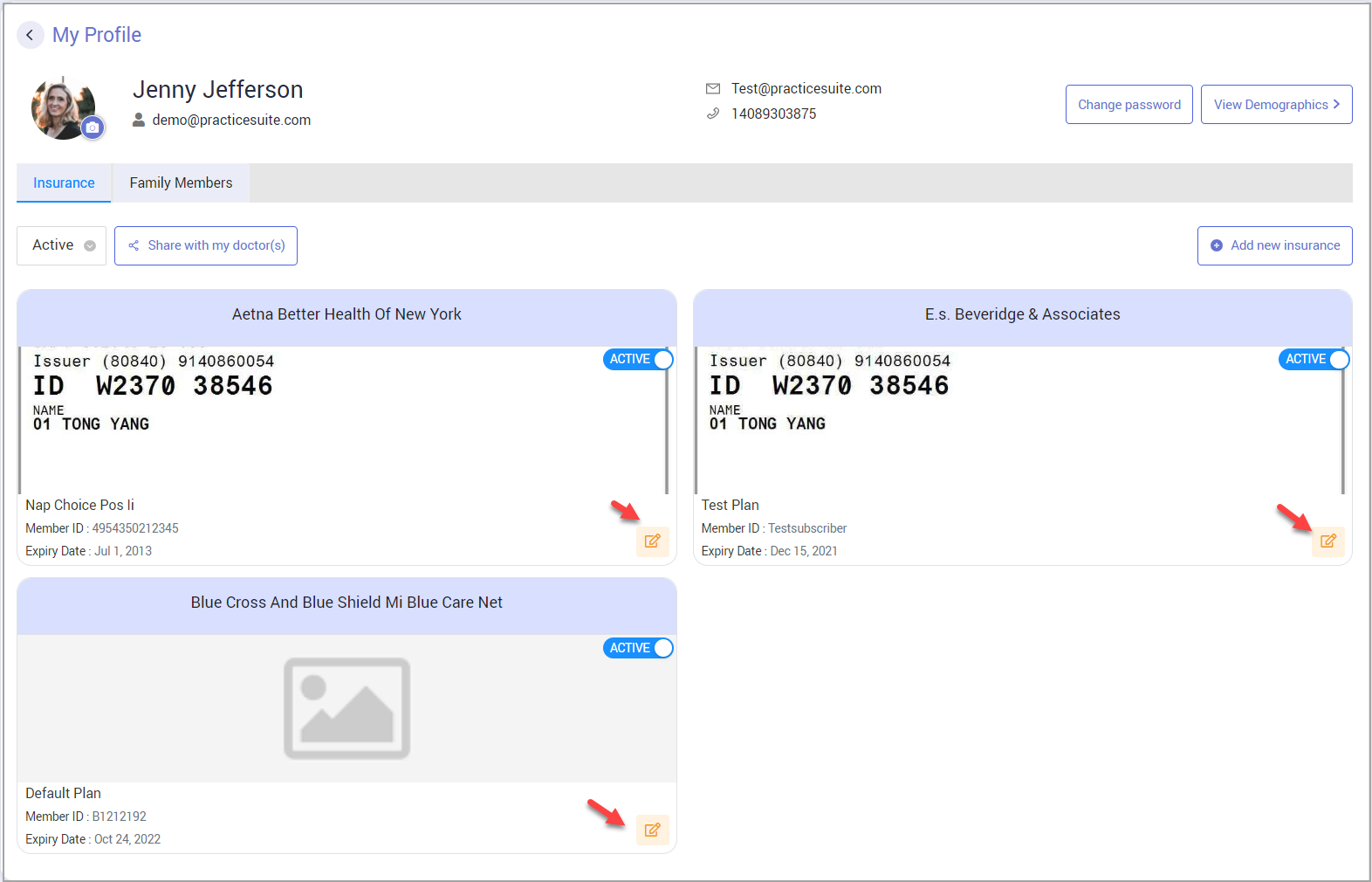
You will be taken to the insurance information page where you can update the info. Click on ‘Save’ after you are done with your changes.You will be taken to the insurance information page, where you can update your information. After you make your changes, click on ‘Save.’How do I remove my insurance from HelloHealth?
If you wish to remove any insurance from HelloHealth, Click the ‘ Active’ button on the top right of the insurance (see Image below).
HelloHealth will ask for a reconfirmation from you. Click on “Inactivate,” and the system will deactivate the insurance from HelloHealth.

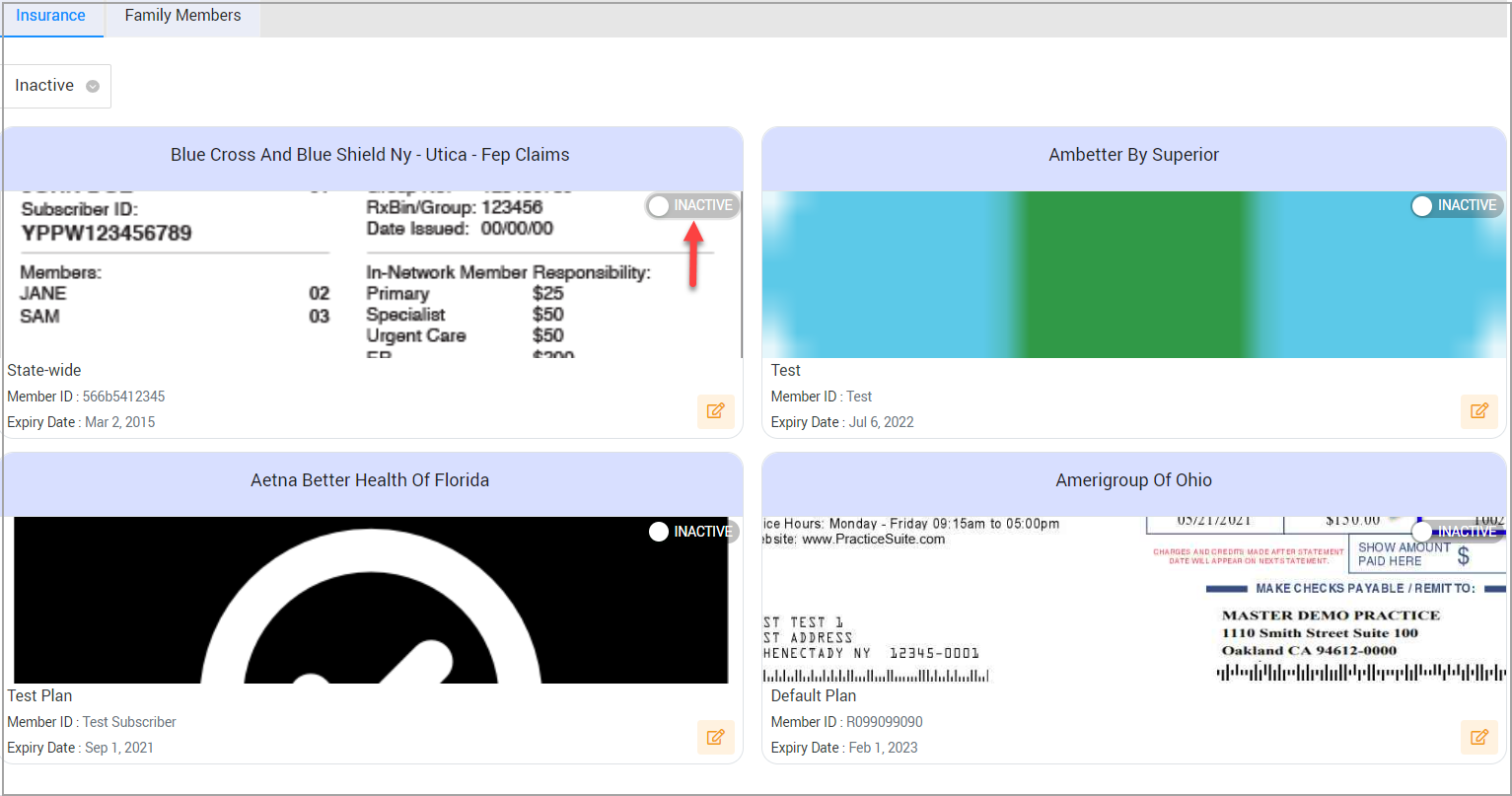
Note: You can view all inactive insurances by selecting “Inactive” from the drop-down in the insurance tab.
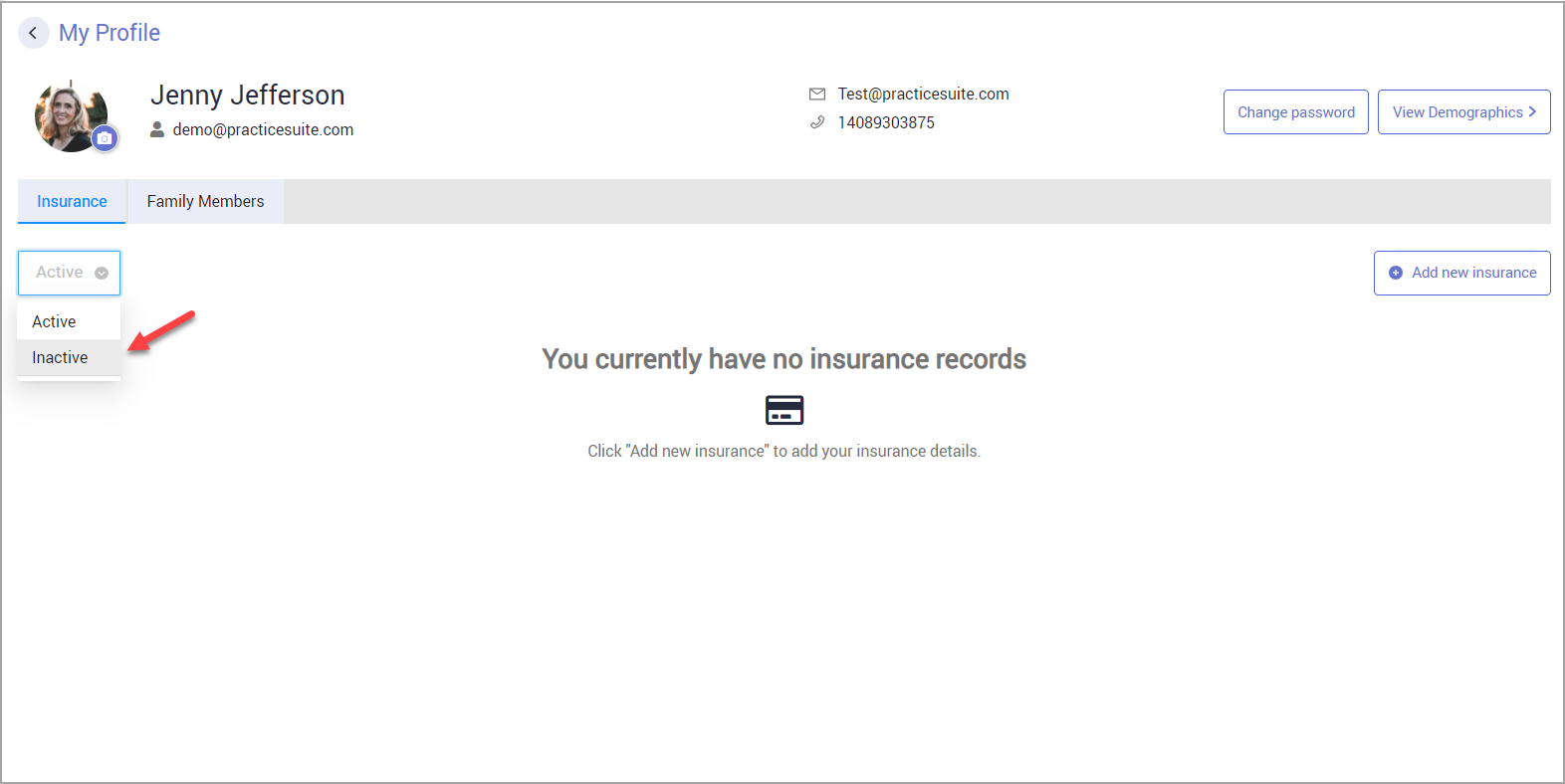
All inactive insurances will be displayed. To activate them again, click on the respective ‘Inactive’ button.