Manage Users
HelloHealth’s backend team can add users such as staff members, administrators, and front office personnel to the Facility portal.
Providers must send a list of all users that need access to the HelloHealth portal by emailing the support team. The list should include the following details for each user:
- First Name
- Last Name
- Email Address
- Cell Phone Number
- Designation (e.g., Administrator, Front Desk, Nurse, etc.)
Once the user list is received, our backend team will create the necessary Facility Accounts in the HelloHealth portal.
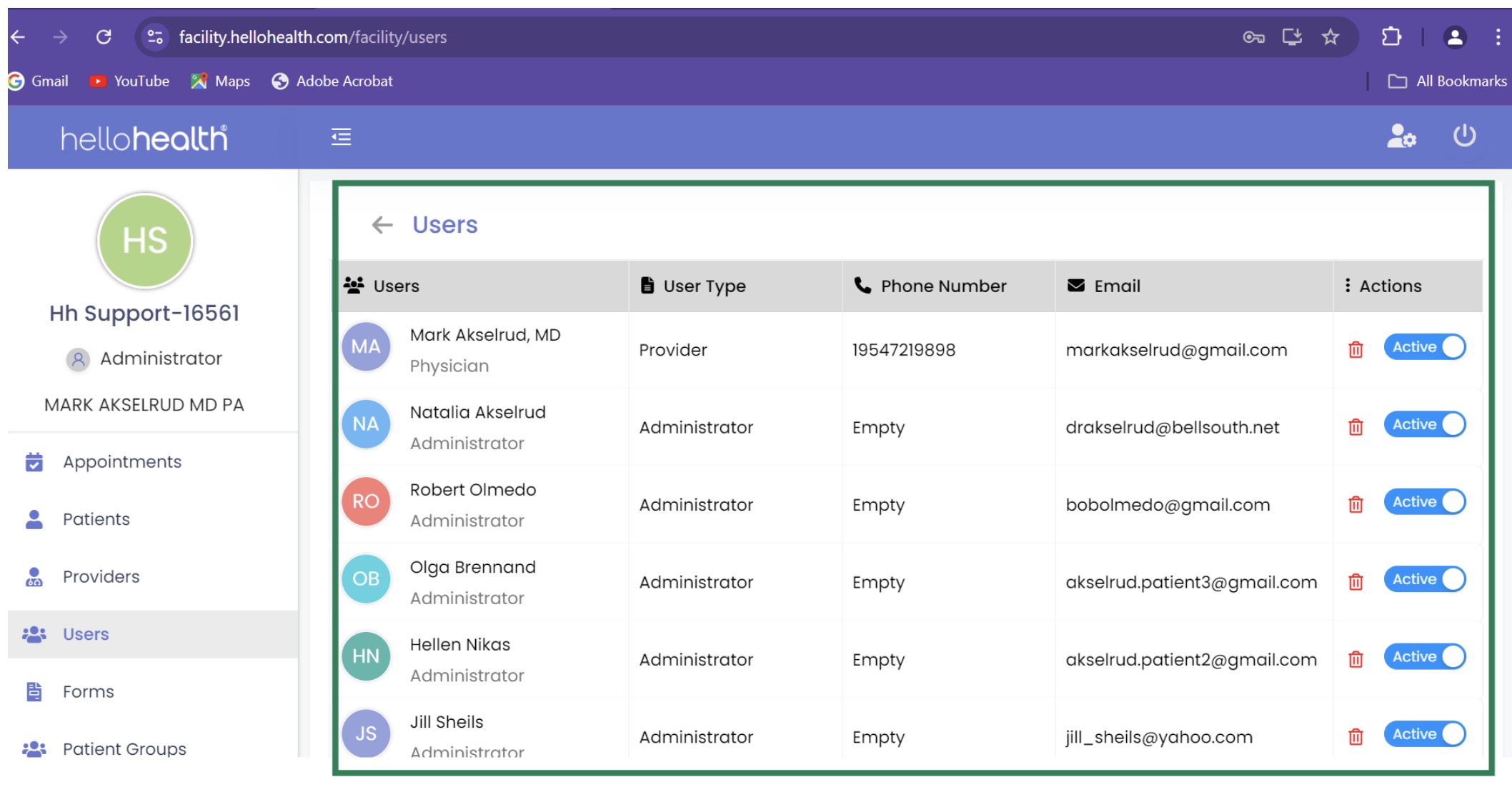
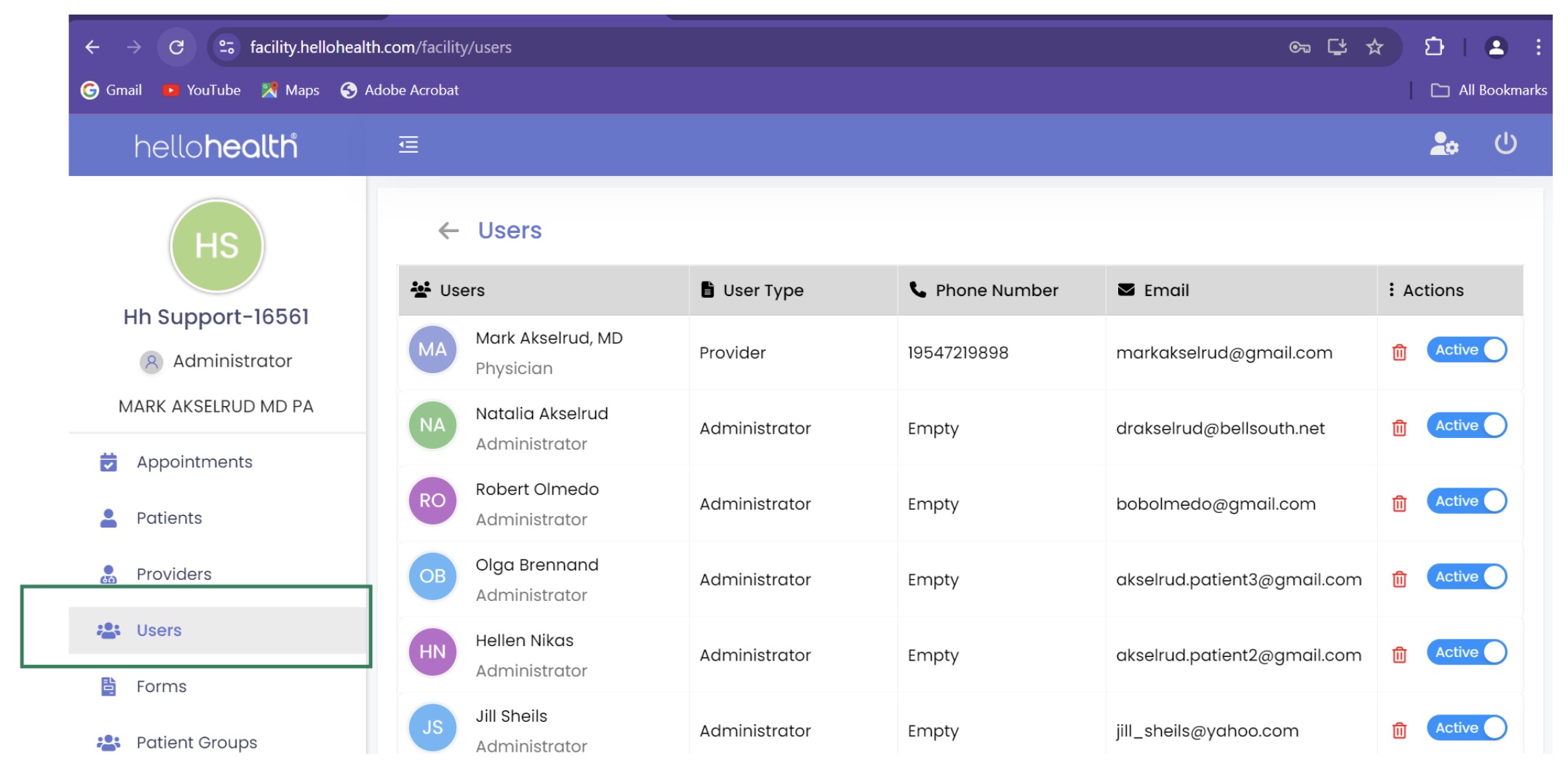
After the setup is complete, providers can log into their HelloHealth portal to view the newly added users. In the Facility Portal, navigate to the Users tab. Here, you will see a list of all active users associated with your facility.