
Read Notifications
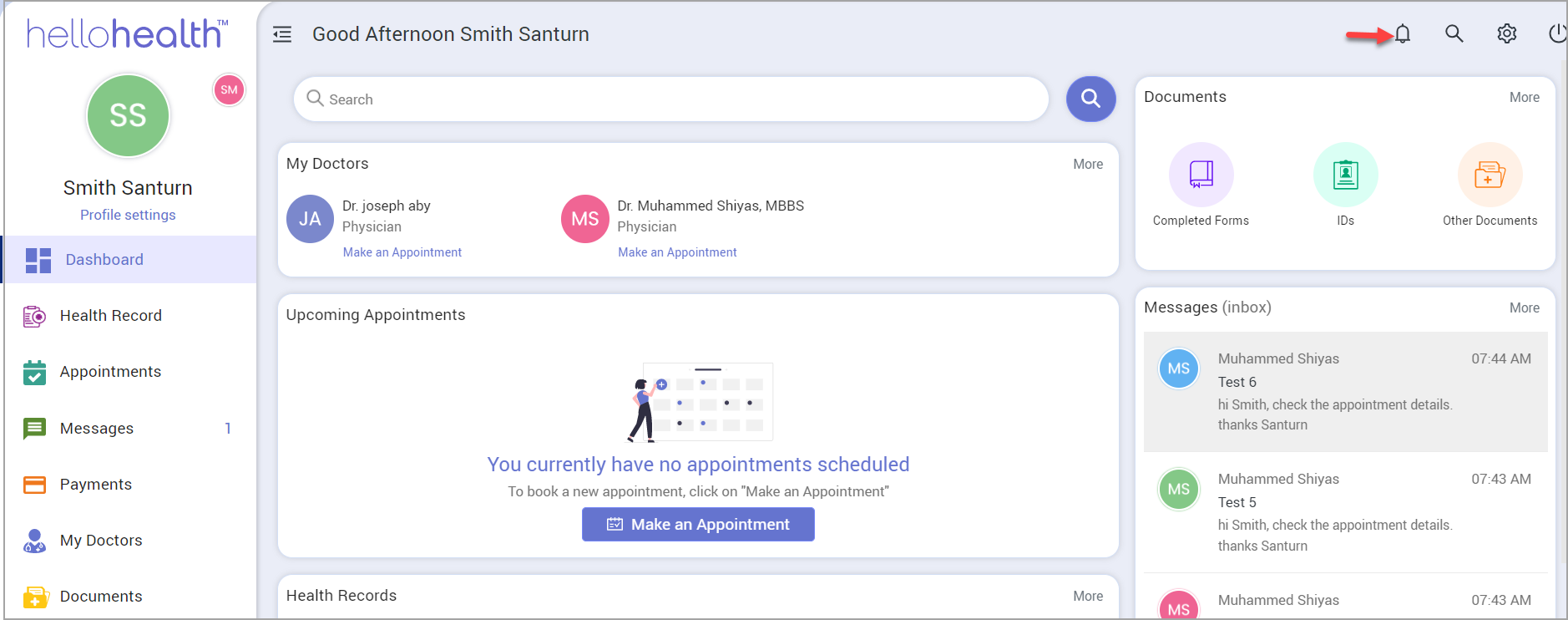
To read notifications on the HelloHealth app, there is a bell icon at the top-right-hand corner of the screen. Click on the bell icon to take you to the Notifications page, which displays all your notifications.
The notifications section typically contains two types of messages:
- Broadcast messages may be sent occasionally by your practice.
- Messages sent by your practice/facility to remind you of forms to be filled in. Click on the notification,whichwill take you to the form message.
