
Manage Patients
Providers or practices can see all their patients and contact information in the Patients tab.
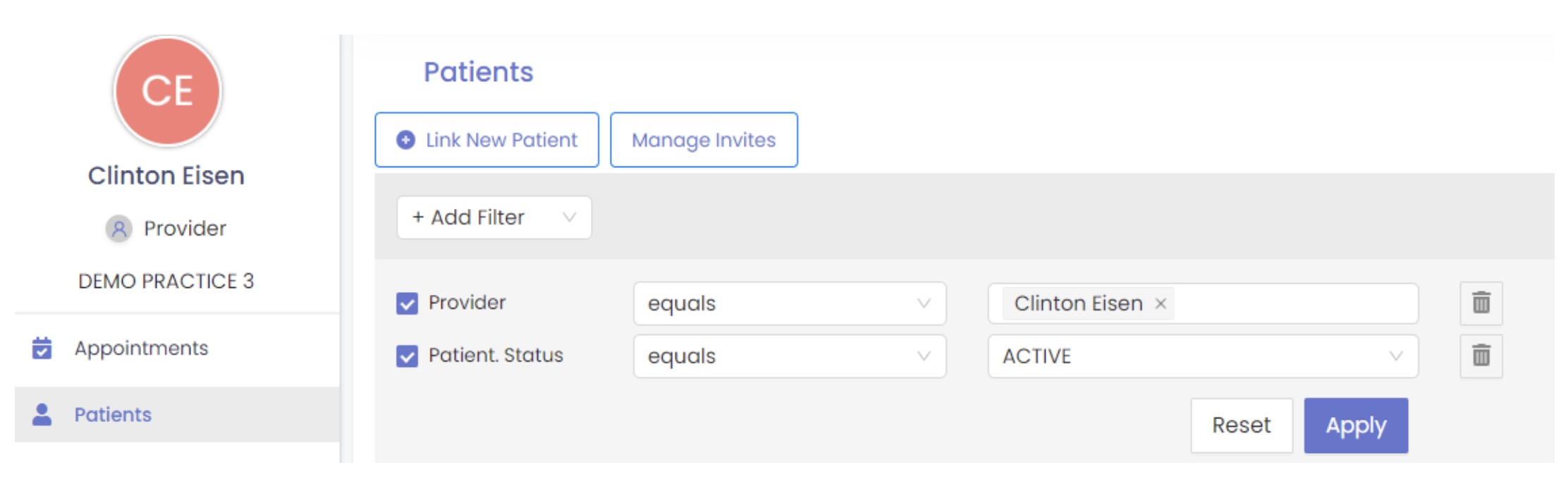
The Patient section includes the patient’s name, contact number, last appointment date, and address.
A HelloHealth icon beside the patient’s name indicates the patient is registered with HelloHealth; otherwise, an invitation link needs to be sent to get them registered to the HelloHealth Patient Portal.

To add a new patient, click the Link New Patient button and enter the patient’s demographic details (name, email address, phone number, date of birth). You can invite the patient to sign up for your practice by clicking on the send invite button.
Click the Manage Invites button to view a detailed list of patients who have received an invitation to join HelloHealth.