• Patient
  • Practices
  • Contact Us
HelloHealth Support Center
  • Patient
  • Practices
  • Contact Us

Manage Patients

/Practices / Account / Manage Patients

Manage Patients

Providers or practices can see all their patients and contact information in the Patients tab.
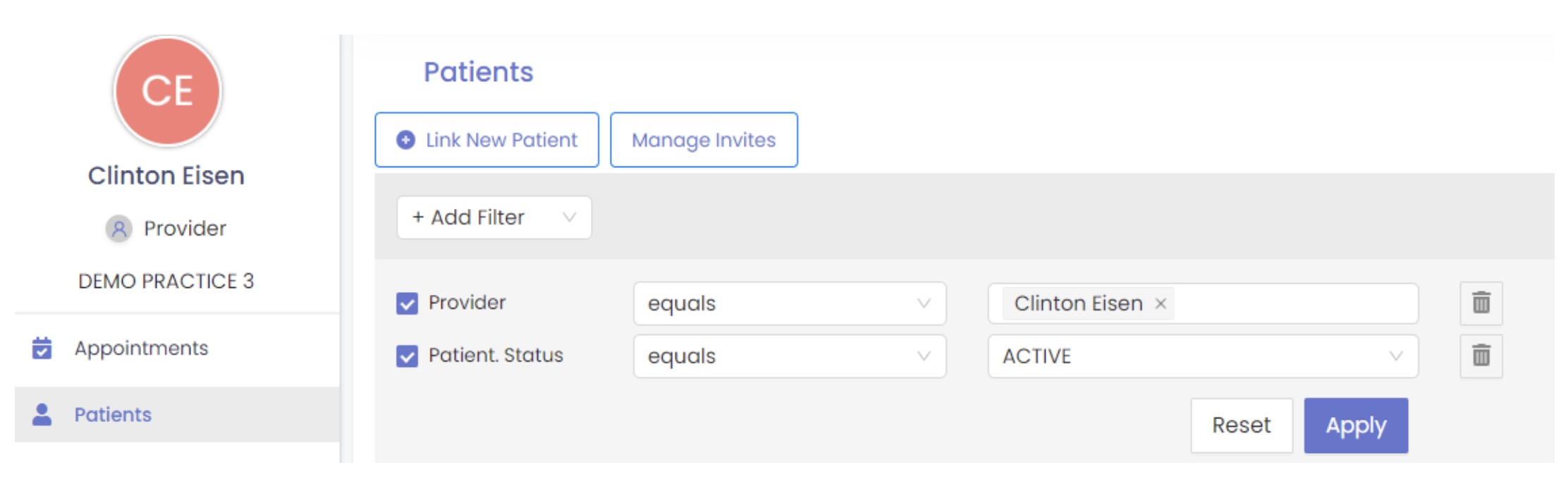
The Patient section includes the patient’s name, contact number, last appointment date, and address.

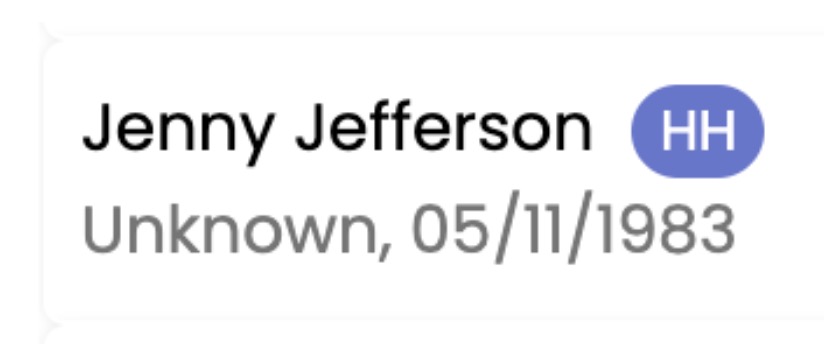
A HelloHealth icon beside the patient’s name indicates the patient is registered with HelloHealth; otherwise, an invitation link needs to be sent to get them registered to the HelloHealth Patient Portal.
To add a new patient, click the Link New Patient button and enter the patient’s demographic details (name, email address, phone number, date of birth). You can invite the patient to sign up for your practice by clicking on the send invite button.

Click the Manage Invites button to view a detailed list of patients who have received an invitation to join HelloHealth.

Tagged: contenido

Related Articles

  • Manage Users

    Manage Users HelloHealth’s backend team can add users such as staff members, administrators, and front office ...read more

  • Memberships

    Memberships  HelloHealth's Memberships allow healthcare providers to offer subscription-based packages to patients. These plans bundle services ...read more

  • Services

    Send and view secured messages. ...read more

  • Manage Providers

    Manage Providers The provider tab displays a list of providers linked to the practice, including their names and ...read more

  • Settings

    Settings Once you are logged in to HelloHealth, go to the Settings tab. Here, you can manage ...read more

Free, Interactive Billing Training Webinars

Register Here

Categories

  • Patients 15
  • Dashboard 1
  • Patient 7
  • Practices 20
  • FAQs 1

Popular Articles

  • Book an Appointment
  • Sign Up
  • Account
  • Account
  • Manage Patients
  • CCDA
  • Update Profile & Personal Information
  • Add Family
  • Manage Providers
  • Appointments
Copyright © 2025 HelloHealth Inc. All Rights Reserved.