
Memberships
HelloHealth’s Memberships allow healthcare providers to offer subscription-based packages to patients. These plans bundle services and benefits, providing patients convenient care while generating revenue for clinics through customizable workflows.
Creating a Membership Plan
To set up a membership plan, follow these steps:
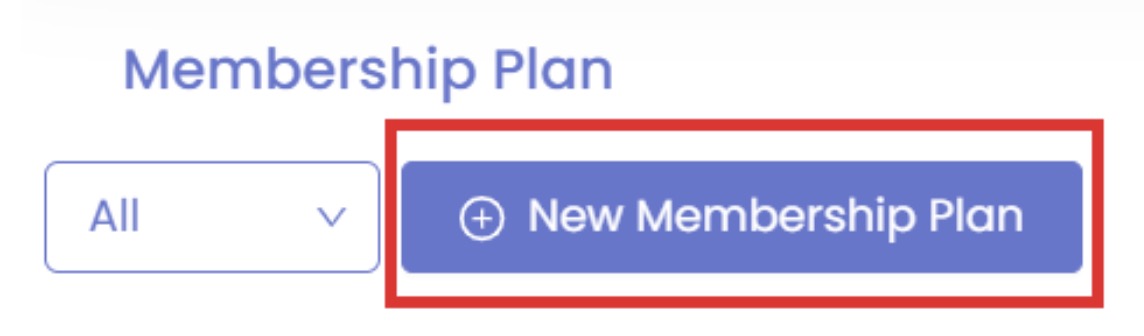
Navigate to the Memberships section in the HelloHealth portal and click on New Membership Plan to begin.
Each membership plan consists of four key aspects:

1. Membership Plan
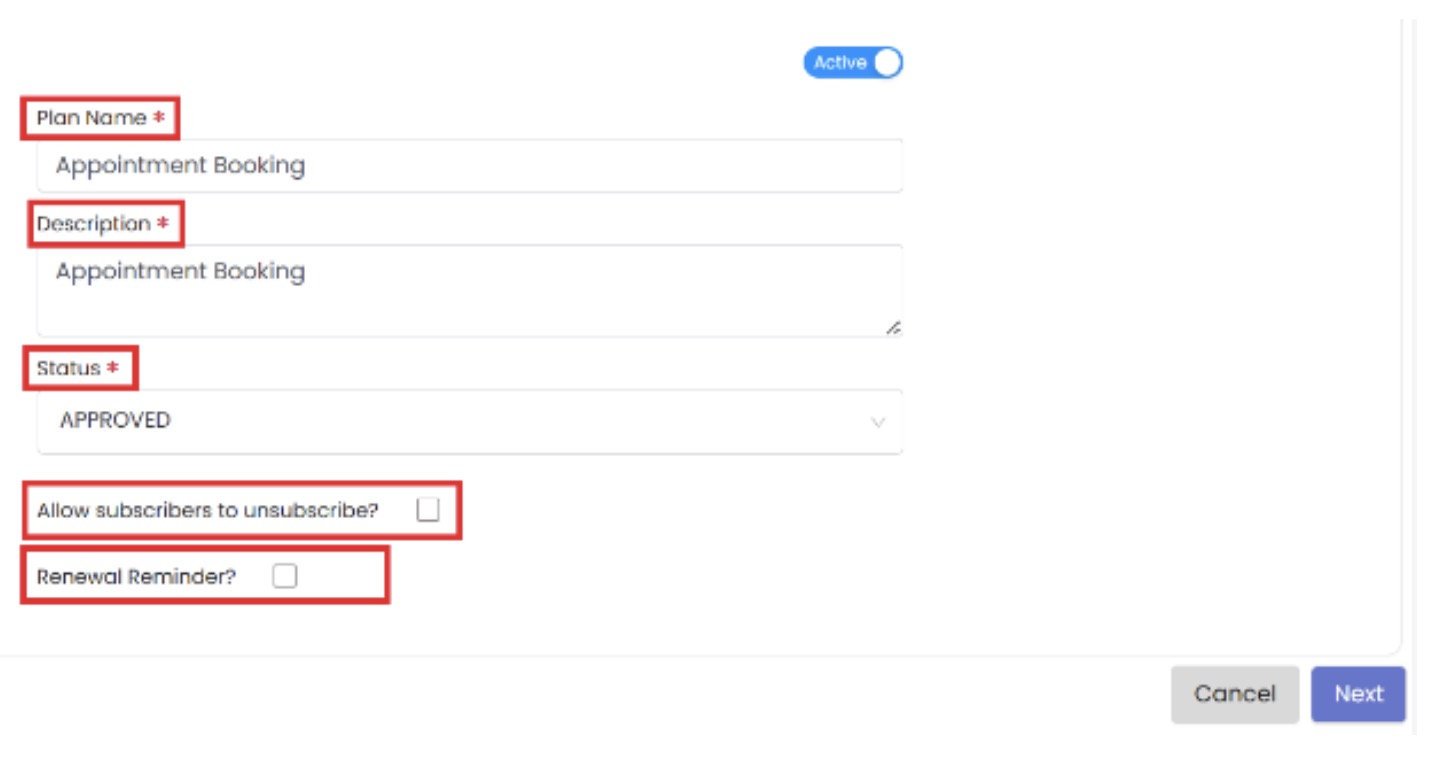
Plan Name, Description, and Status are required fields.
Customization options allow providers to:
– Enable patient “unsubscription” from the plan.
– Set renewal reminders for patients when their membership is about to expire.
2. Services & Providers
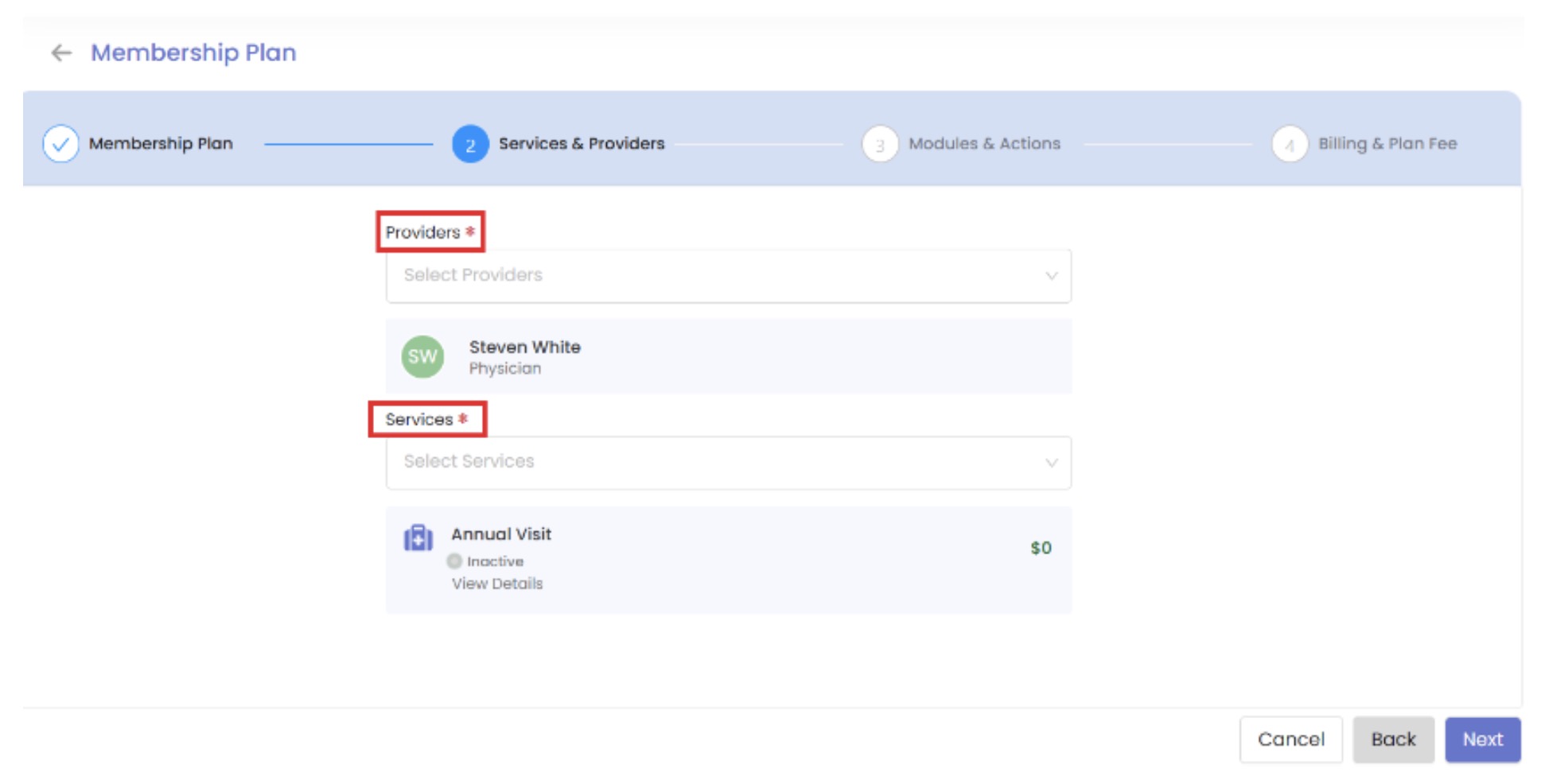
– Choose which providers will be part of the membership plan.
– Select services that will be included in the membership benefits.
3. Modules & Actions
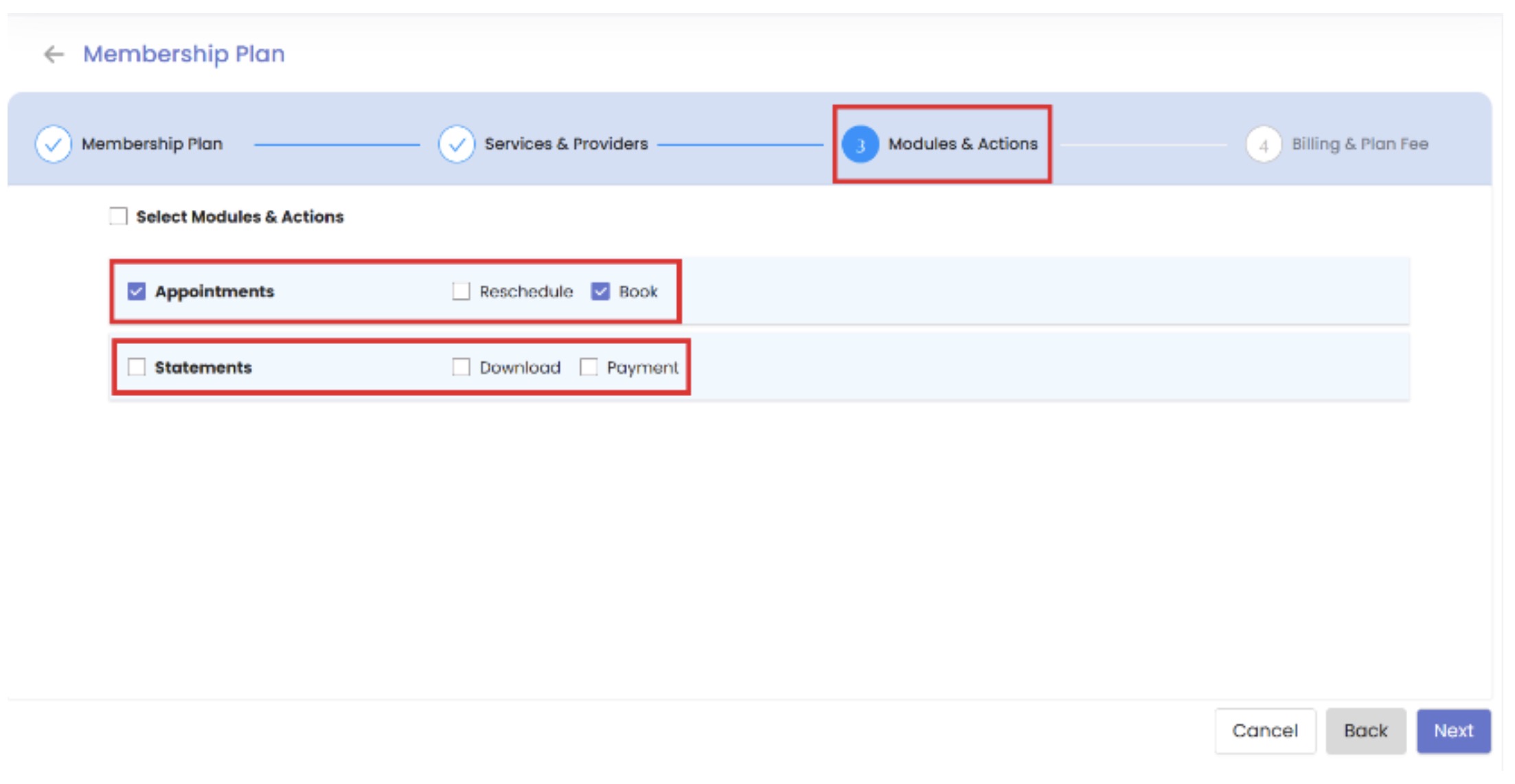
Control different modules such as:
– Appointments: Enable patients to book and reschedule visits.
– Statements & Payments: Allow patients to download statements and make payments.
4. Billing & Plan Fee
Set up billing preferences based on the clinic’s requirements:
– Options include Monthly, Quarterly, Half-Quarterly, or Yearly billing cycles.
– Option to apply a trial period with or without a fee.
Finalize and Create the Plan
Once all four sections are completed, click “Create Plan”. The plan will be successfully created and visible in the HelloHealth portal.
Managing Existing Memberships
After creating a membership, providers can manage it, update it, and monitor patient subscriptions through the Memberships Dashboard.