
Settings
Once you are logged in to HelloHealth, go to the Settings tab. Here, you can manage and configure your personal profile, appointment settings, and notifications.
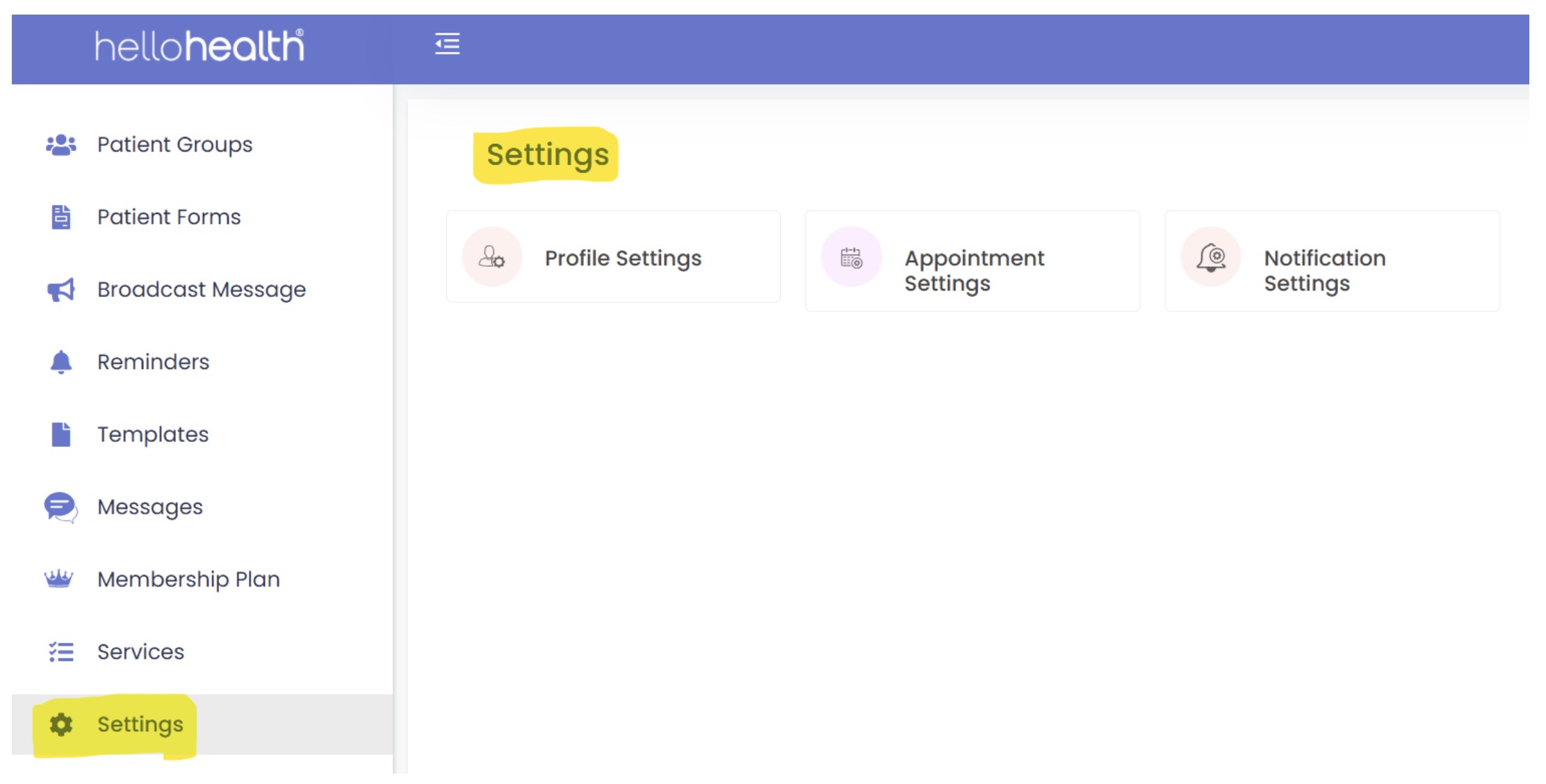
Profile Settings
Under the profile settings tab, you can set up professional profiles, including their qualifications, specialties, office hours, and contact information. This helps patients make informed decisions when choosing a provider.
Privacy and Security: Both patient and provider profiles include settings to manage data privacy and security, ensuring that sensitive information is protected and accessible only to authorized individuals.
Appointment Settings
- Scheduling: HelloHealth’s integrated calendar system allows users (patients and healthcare providers) to schedule and manage appointments. Patients can book appointments based on provider availability, while providers can set their availability and manage their schedules.
- Reminders: Automated reminders and confirmations are sent to patients and providers to reduce no-shows and ensure timely attendance. Notifications can be sent via email, SMS, or both.
- Rescheduling and Cancellations: The provider can configure reschedules or cancel appointments as needed. Notifications will be sent to all parties involved.
- Check-in for an appointment: Patients can complete a virtual check-in, which providers can configure. For example, they can set how late a patient can check in before the appointment.
Notification Settings
- Customization: Users can customize their notification preferences to receive alerts about appointments, messages, and updates in the most convenient manner. Notifications can be configured to be sent via email, SMS, or the HelloHealth app.
- Types of Notifications: Notifications include appointment reminders, test results, messages from providers, and updates on health plans or treatments.
Users can set preferences for how frequently and at what times they receive notifications, balancing the need to stay informed and avoid information overload.