
Sign Up
The HelloHealth app allows you to better manage your health through 24/7 access to your account and its many resources. You can book appointments online, access your health records, communicate with your doctor, receive updates, and even request prescription renewals.
Signing Up for HelloHealth
Sign up for HelloHealth using the web version or install the mobile app.
1. Go to https://consumer.hellohealth.com/register
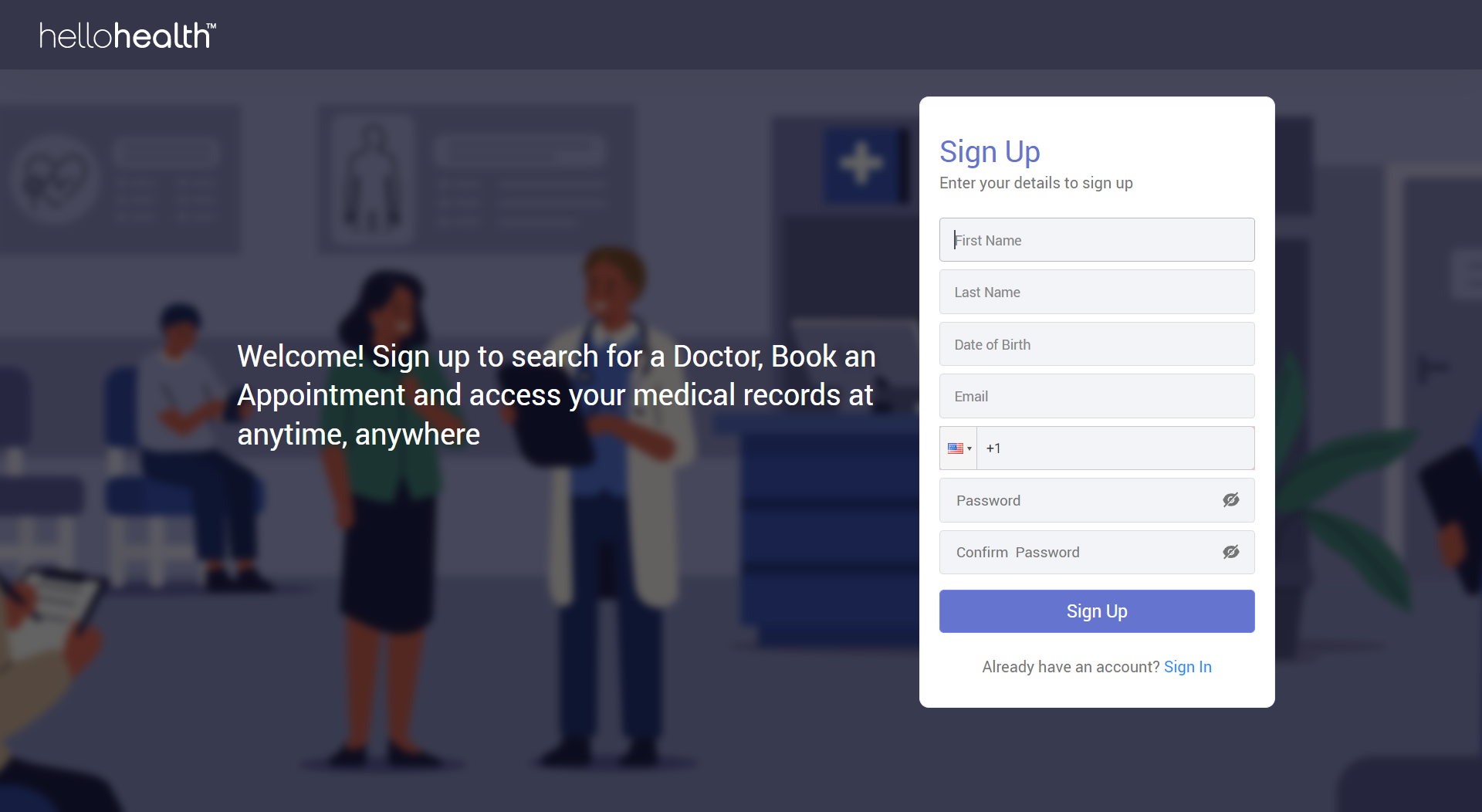
2. Enter the mandatory information — First name, Last Name, Date of Birth, Email, and cell phone.
3. Set your Password — Provide a password in the ‘Password’ and ‘Confirm Password’ Fields.
Note: On mobile, you can install HelloHealth from your app store and click the sign-up button to enter the basic registration details following the same process.

4. After entering all the fields, click on ‘Sign Up’; you will then receive a one-time passcode (OTP) at your registered email address and phone number to complete the sign-up process.
The OTP will expire within a few minutes, so it is essential to enter it as soon as you receive it or request a new one if it expires.
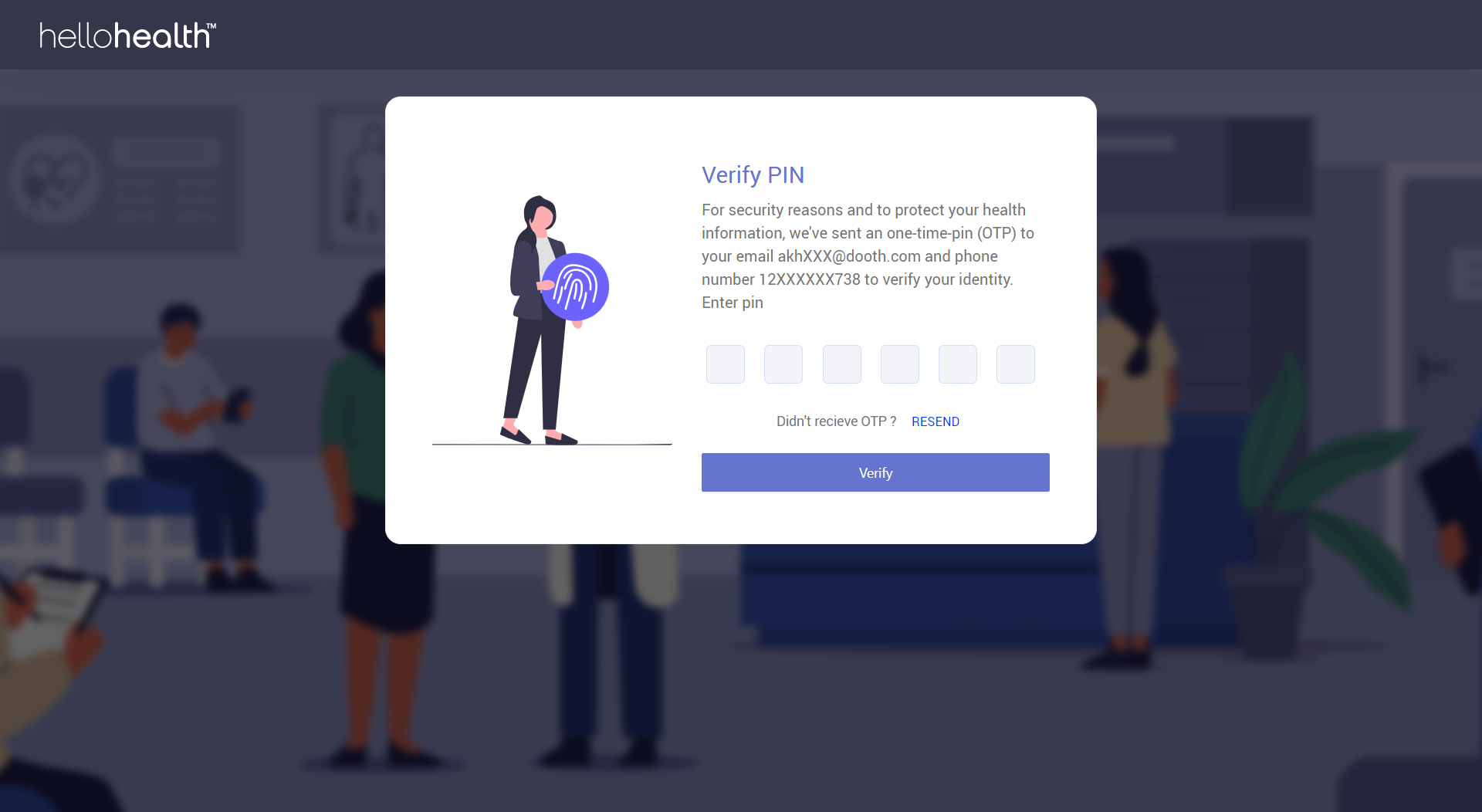
5. Provide the OTP, and you will be signed to HelloHealth.
Signing In to My Account
1. To sign into HelloHealth, go to https://consumer.hellohealth.com/login
2. Use your email address as your username and enter the password you chose during the sign-up.