
Update Profile & Personal Information
To update your HelloHealth profile, you can do either of the following:
A. Click on your profile picture or ‘Profile Settings’ under your picture on the top left of the screen.
OR
B. Click on the ‘Profile Settings’ icon at the top right corner of the screen.

This will take you to the ‘My Profile’ page, where you can:
* Change your profile picture.
* Change your profile picture.
* Add and edit your insurance details.
* Add and update family members.
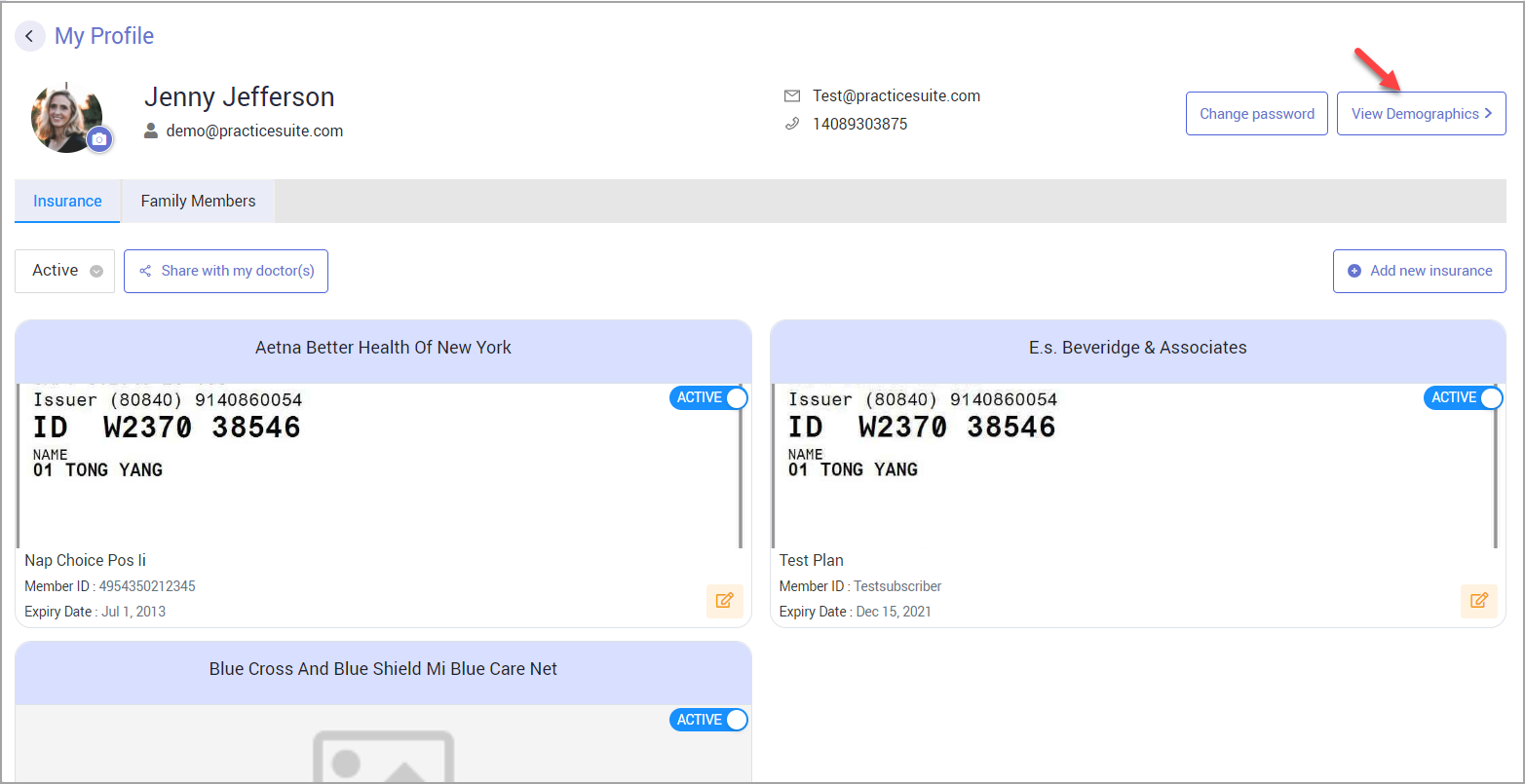
To add/update your demographic data:
Click on the ‘View Demographics’ button on the top right. This takes you to the demographics page where you can add/edit your:
- Personal Information— First Name*, Last Name*, Date Of Birth (DOB)*, Gender*, Address*, City*, State*, Zip*, and Country*.
- Contact info— Home Phone, Cellphone*, Work Phone, and Email
- Guarantor Info— Relationship with the patient*, First Name*, Last Name*, DOB*, Gender*, Address*, City*, State*, Zip*, Country*, Status, and Contact details.
- Additional Info— Social Security Number, Language, Account Type, Driving License Number, Etc.
- Emergency Contact Information— Name*, Relationship*, Phone*.
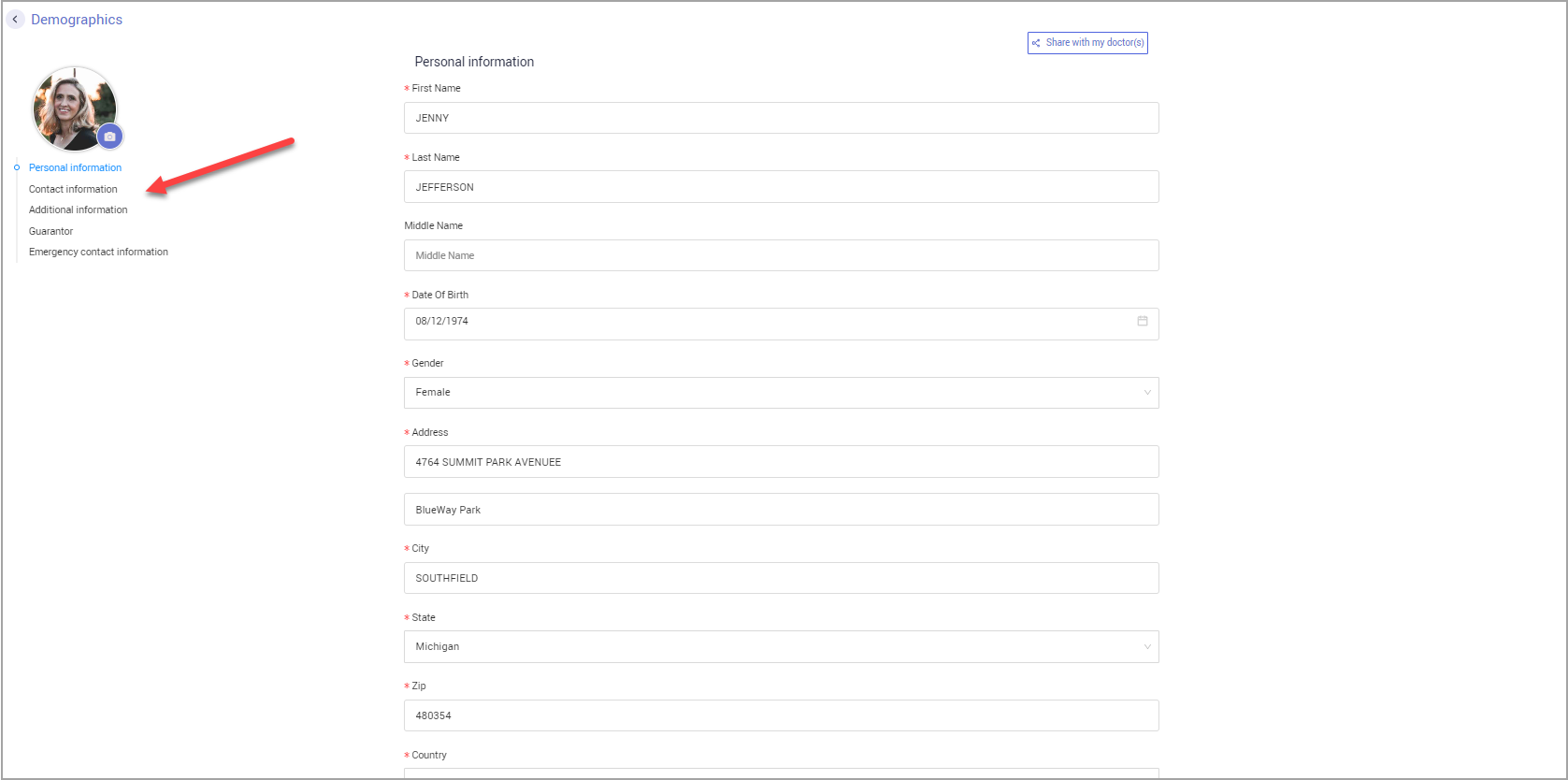
You can easily navigate between the sections by clicking on the section name listed under your profile pic.
Click on Save Changes at the bottom of the screen after you have made the changes.